61
UsingthePlaybackMenu
.
Protecting Pictures and Video Clips
Protect function prevents pictures and/or video clips from being modified or
deleted.
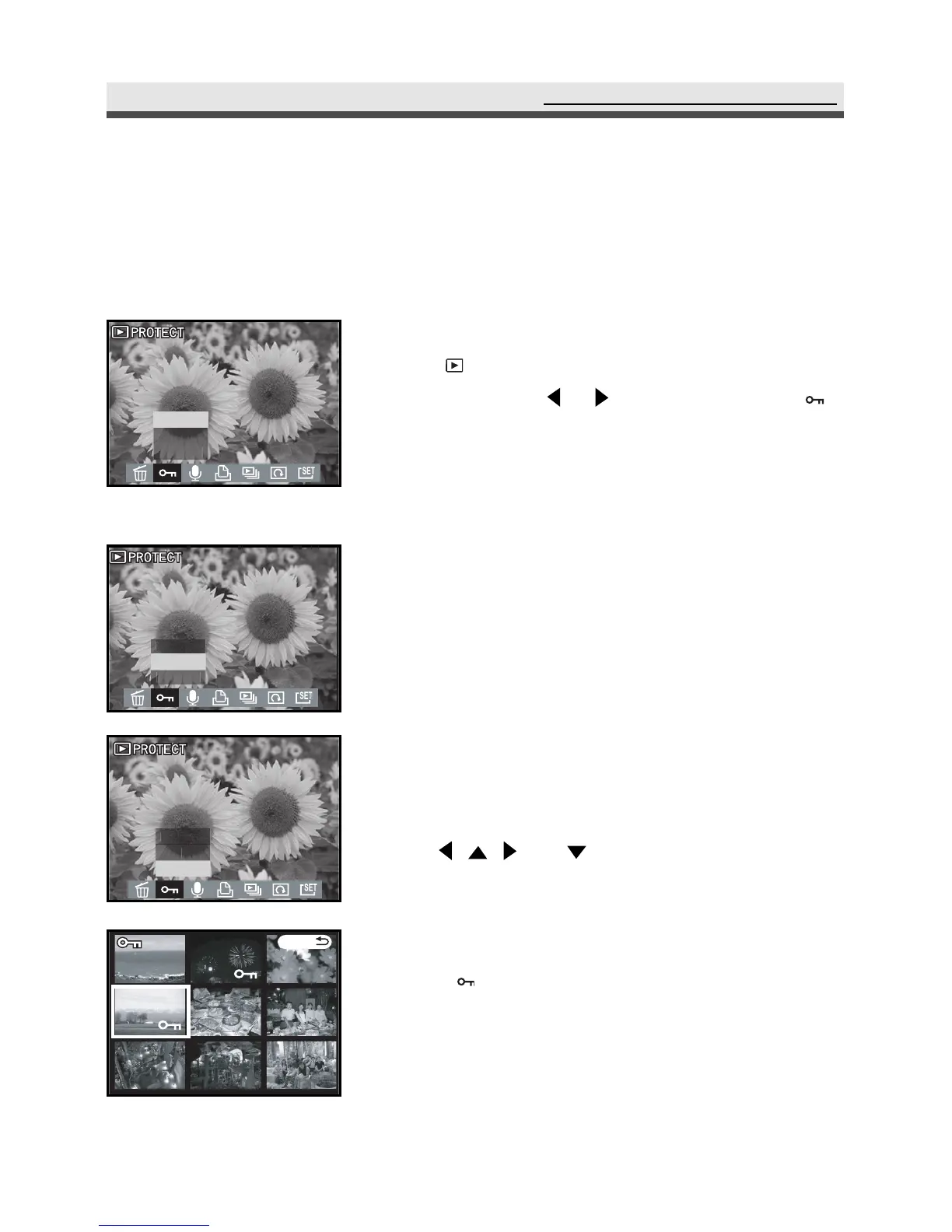
1
Rotate the mode dial to Playback mode
""
. Press menu button. In the playback
menu,
press or to select PROTECT " ".
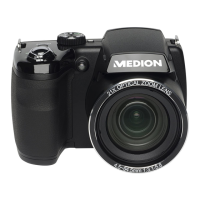
2
Select "One" and press "OK" to Set / Cancel
the protection the file which display on the
monitor.
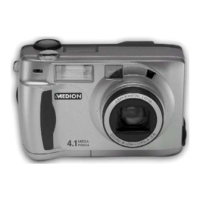
3
Select "All" and press "OK" to Set / Cancel
all of the protection .
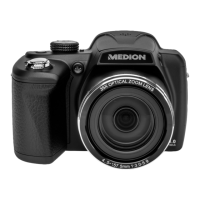
4
Choosing "Select" and then pressing "OK"
allows you to protect the files you choose. Use
,
,
and
on the four-way key to
select files and press "OK" to Set/Cancel the
protection.
Note 1: appears on the LCD monitor when you
protect the picture.
Note 2: All of the images, including the protected
ones, are deleted when you format the
memory card.



 To Next Page