81
Chapter5:Uploading,Printing,andDisplayingImages
Printing Images
After uploading the images to a computer, you can print them by using the
software supplied with the camera. You can also connect the camera directly to
some specific standalone photo printers. To connect the printer:
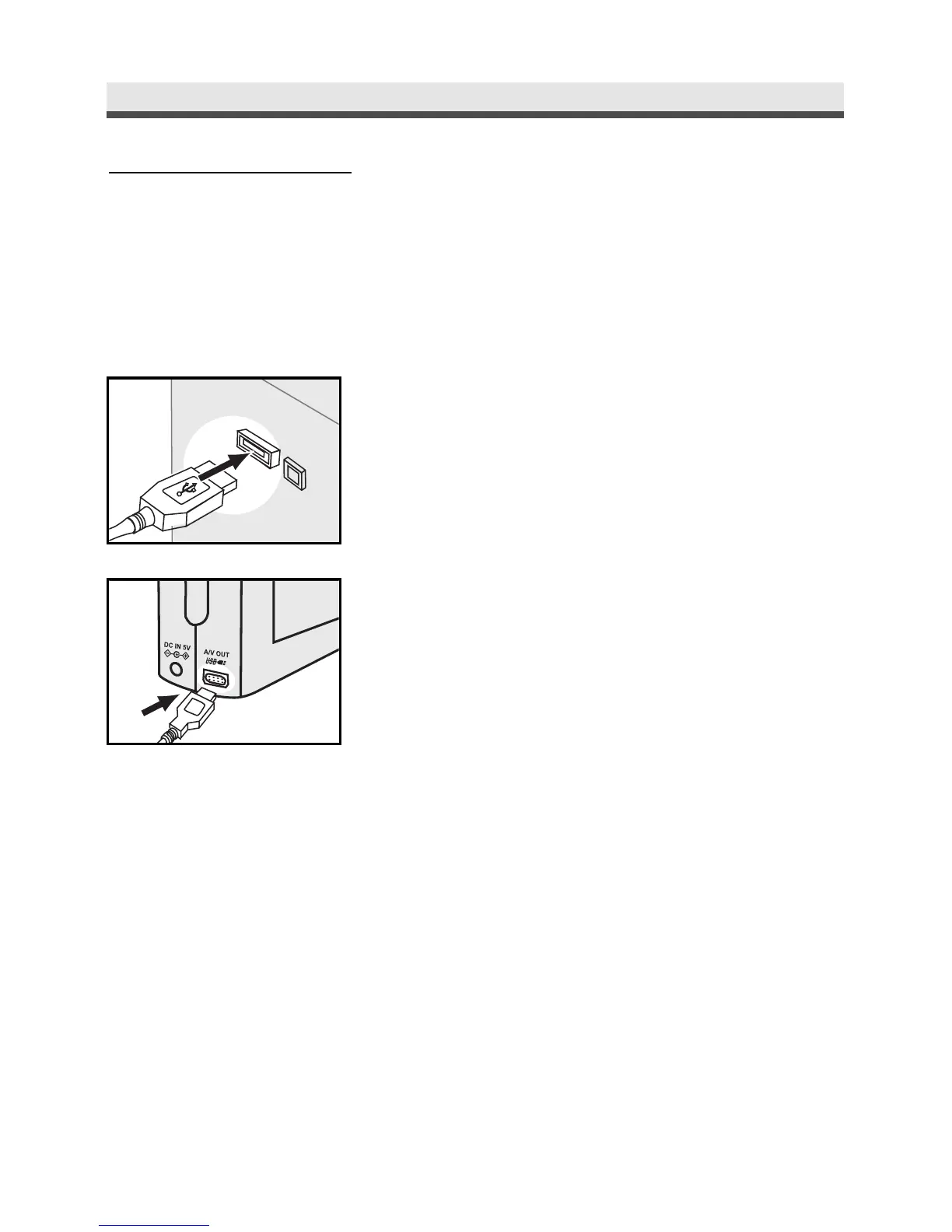
1
Get the USB cable and connect the larger
end of it to the printer.
2
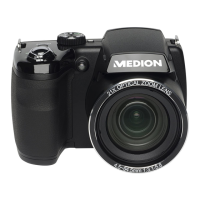
In any mode,connect the small end of the
USB cable to the camera.
3
Adjust the settings of DPOF in the Playback
Menu.See page 63.



 To Next Page