88
Chapter6:AdjustingtheCameraSettings
.
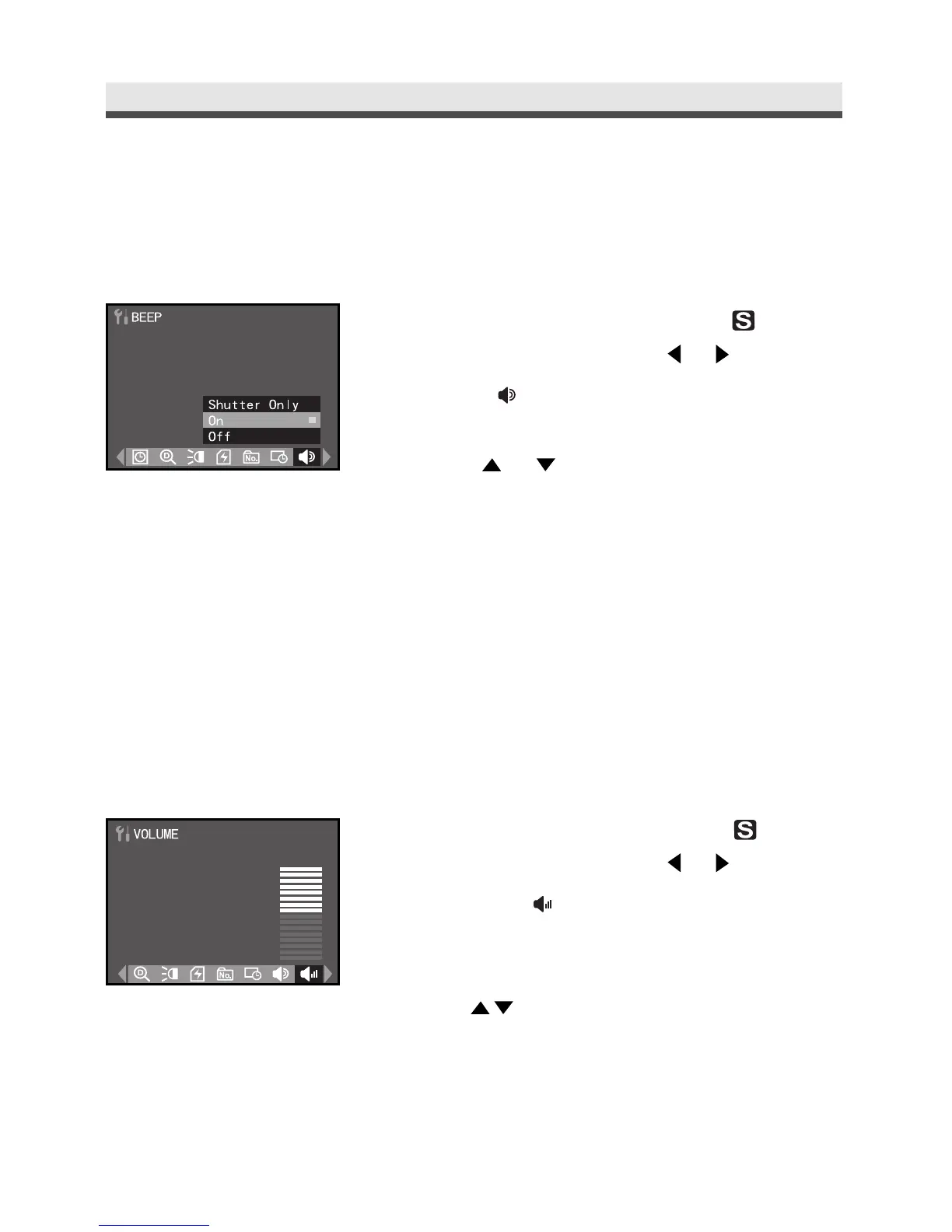
Setting Camera Sound
This function allows you to hear a beep sound effect when pressing the buttons.
1
Rotate the mode dial to Set-Up " " mode.
In the Set-Up menu, press or to select
BEEP " ".
2
Press or to select "Shutter Only",
"On" or "Off".
3
Press "OK" to confirm the setting.
.
Setting Camera Volume
Set the volume of the tone when using the camera.
1
Rotate the mode dial to Set-Up " " mode.
In the Set-Up menu, press or to select
VOLUME " ".
2
Use on the four-way key to adjust the
volume.
3
Press "OK" to confirm the setting.



 To Next Page