Version 1.9 Page 26 of 170
Below is the step-by-step procedure for bar installation:
Switch off the OptoGait device
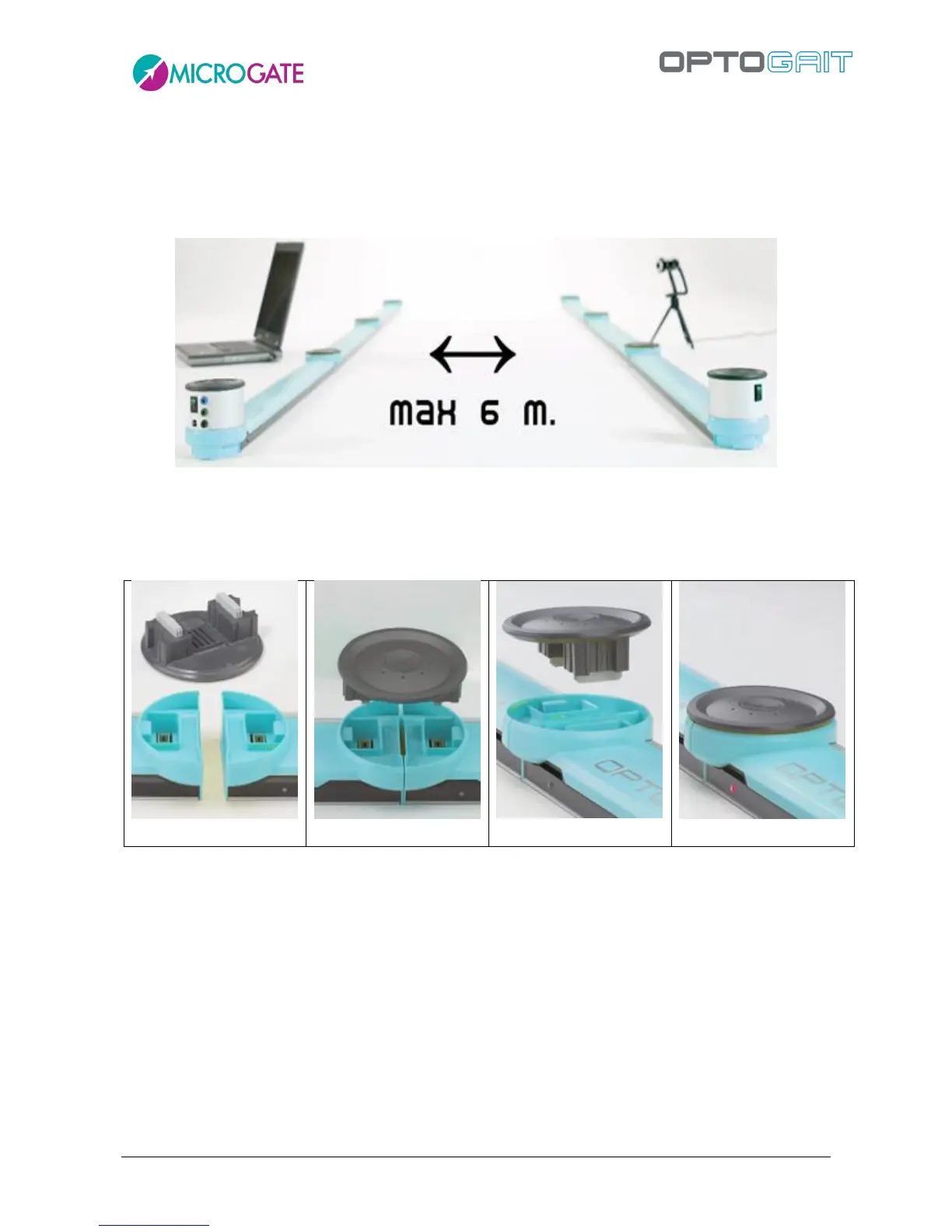
Place the two OptoGait Rx and Tx bars facing each other at a minimum distance of one
meter (maximum 6 meters)
Figure 10 – Maximum distance
If a number of bars connected together are used, pay attention to the insertion of the caps
(see figures below). Check that the caps are firmly inserted. If insertion is incorrect, the
software may not function correctly.



 To Next Page