Version 1.9 Page 27 of 170
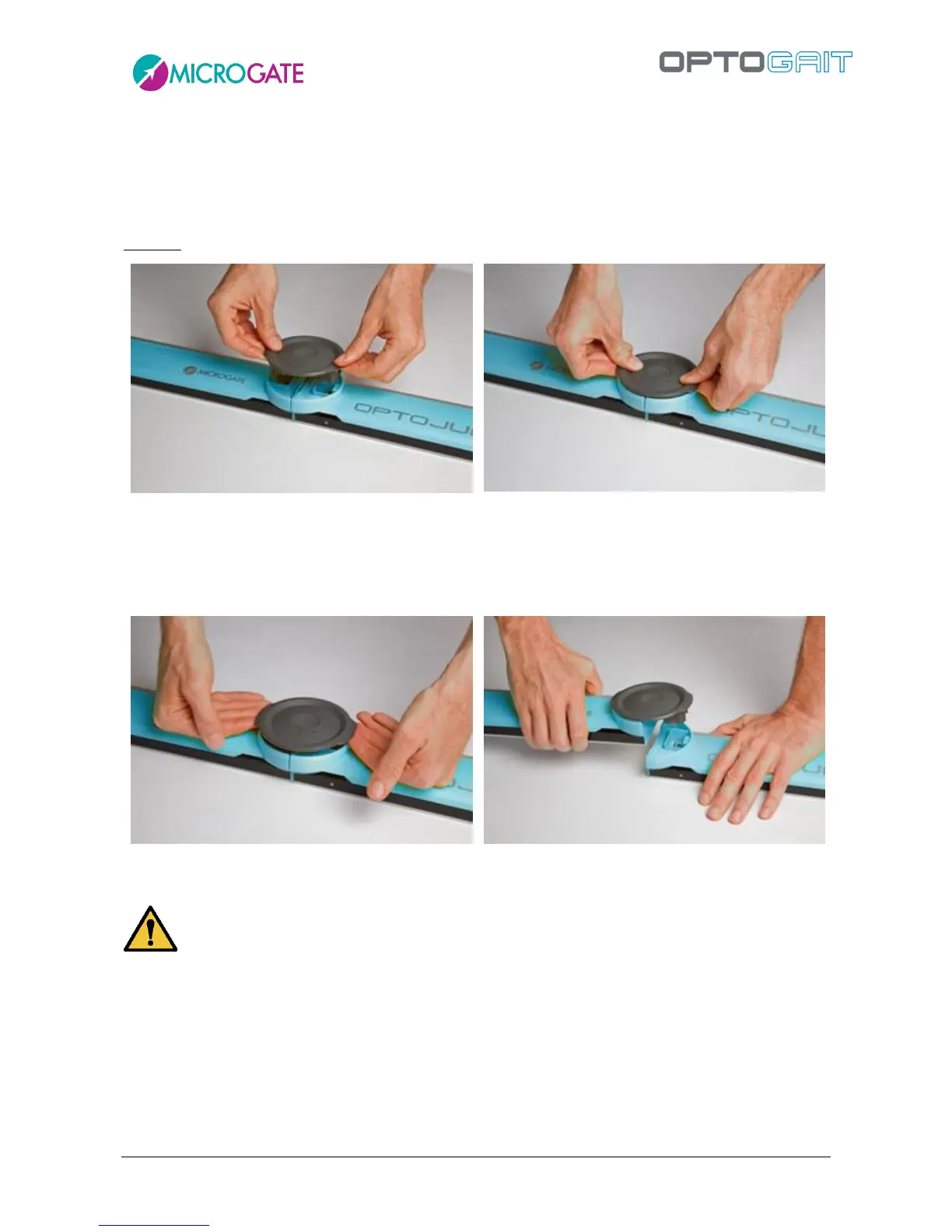
To mount the connection cap, insert the cap in the dedicated slots and apply light pressure on both
sides until it has been completely inserted (make sure it is parallel with the two bars; the two
connectors should slot in simultaneously).
The cap can only be inserted one way round. If you find that the cap will not go in, turn it 180°.
DO NOT force the cap if insertion is difficult: you run the risk of bending the connection pins.
To remove the cap, grip the two side tabs and pull upwards symmetrically. Alternatively, you can
firmly hold one of the 2 bars down and carefully lift the other until the cap comes off.



 To Next Page