Version 1.9 Page 28 of 170
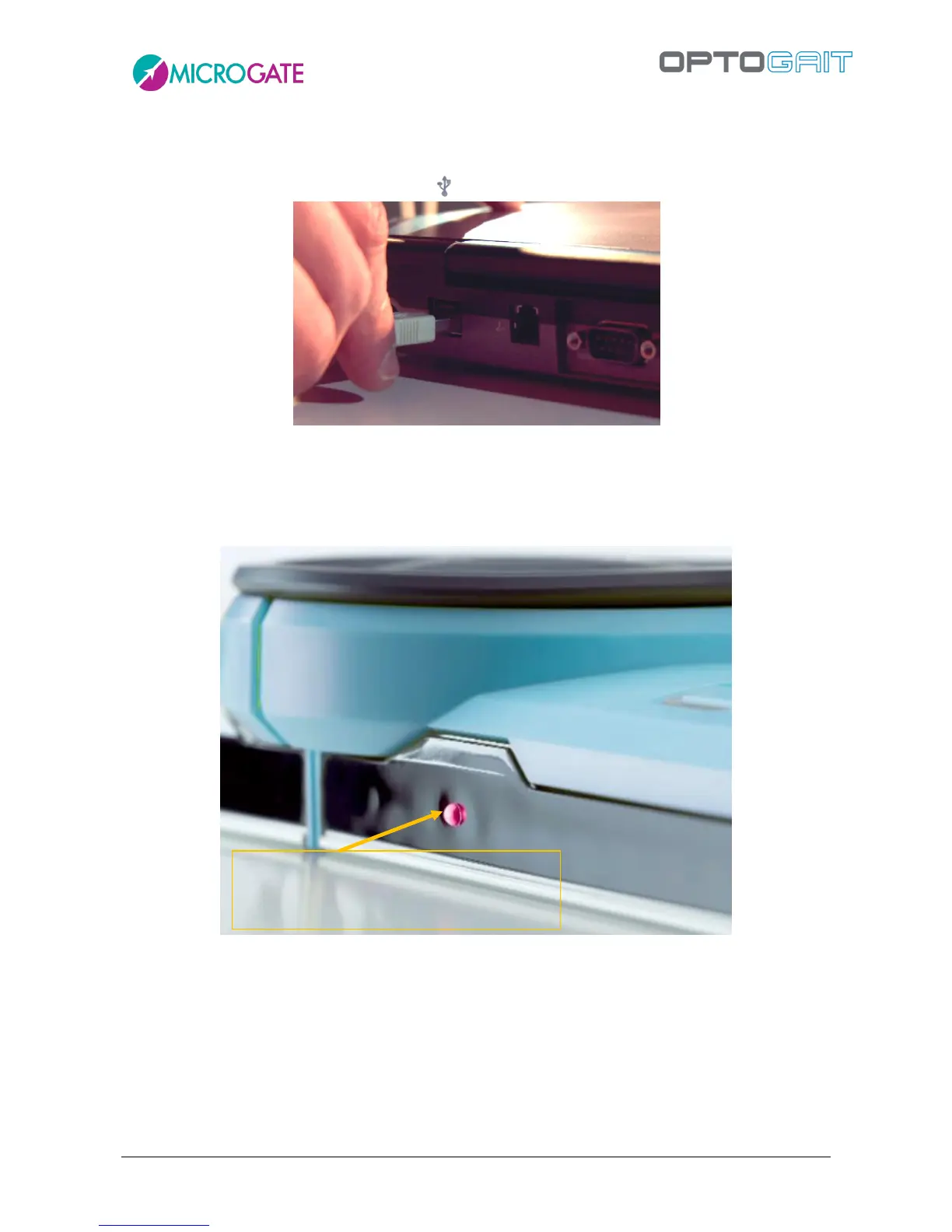
Connect the USB cable from interface Rx to the computer USB port. The USB port on the
computer is marked with the symbol .
Figure 19 - PC connection
If more than three OptoGait meters are used (three Tx bars and three Rx bars), we
recommend you use the adaptor.
Switch on the OptoGait device
Check that the bars are correctly positioned (Tx LED green)
Figure 20 – Led indicator
If the software is being installed for the first time or being re-installed, the operating system will
load the correct driver (see section above).
At this point, the OptoGait device is ready for use.
If other bars are connected, remember to switch the device off and switch it back on.
If you notice that the device is not working correctly, perform an OptoGait bars Test (see chap. 4.4.2
OptoGait HW Test).



 To Next Page