© Microhard Systems Inc. 120
4.0 Configuration
4.10 GPS
4.10.1 GPS > Location
Location Map
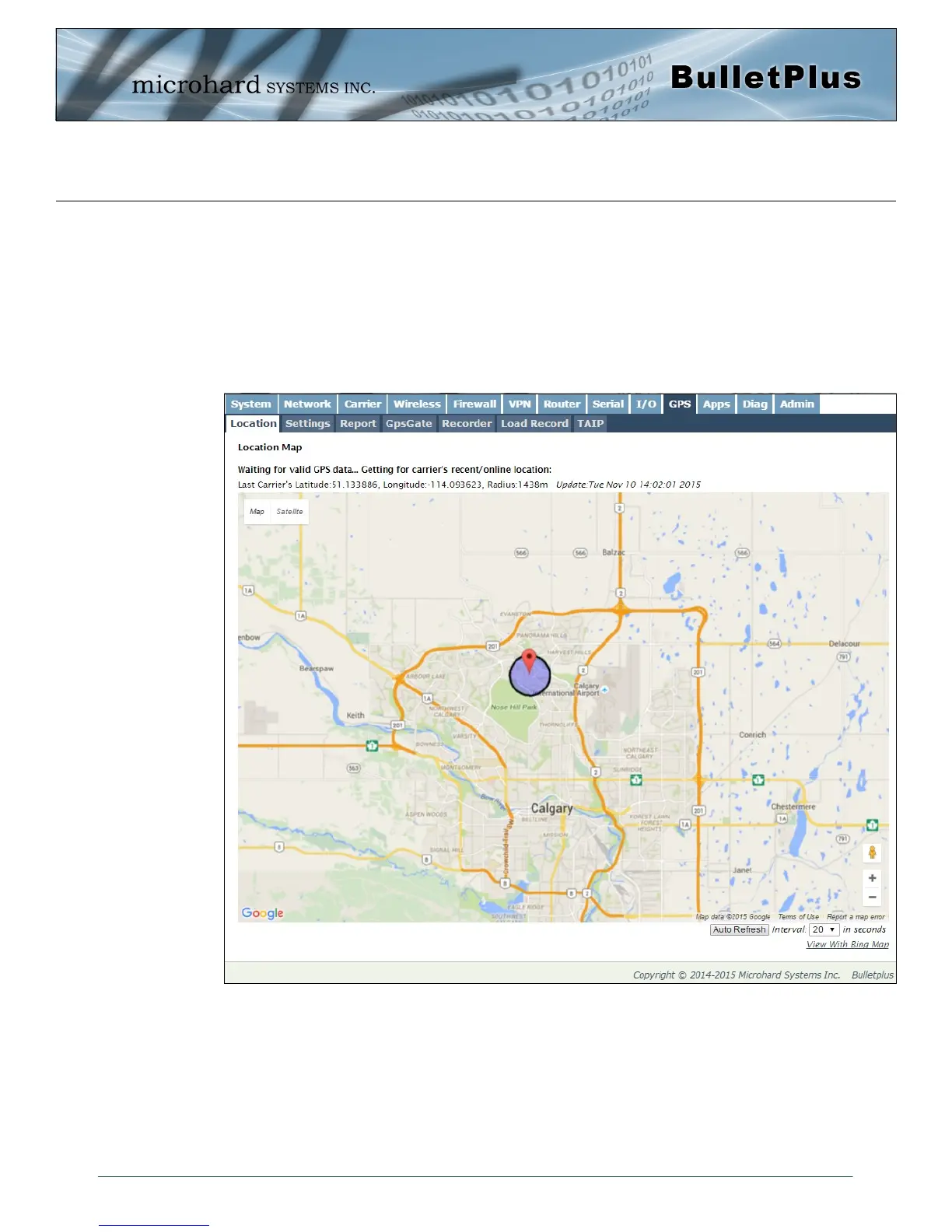
The location map shows the location on the BulletPlus. The unit will attempt to get the GPS coordinates
from the built in GPS receiver, and if unsuccessful, will use the Cell ID location reported by the Cellular
Carrier.
Image 4-10-1: GPS > Location Map
The maps can be viewed with either Bing or Google maps by using the option located at the bottom, right
hand corner near the refresh option.
If the unit had a GPS signal (GPS Module enabled and antenna attached), it will report the specific GPS
coordinates of the modem, otherwise only the estimated coordinates reported by the Carrier.



 To Next Page