© Microhard Systems Inc. 106
4.0 Configuration
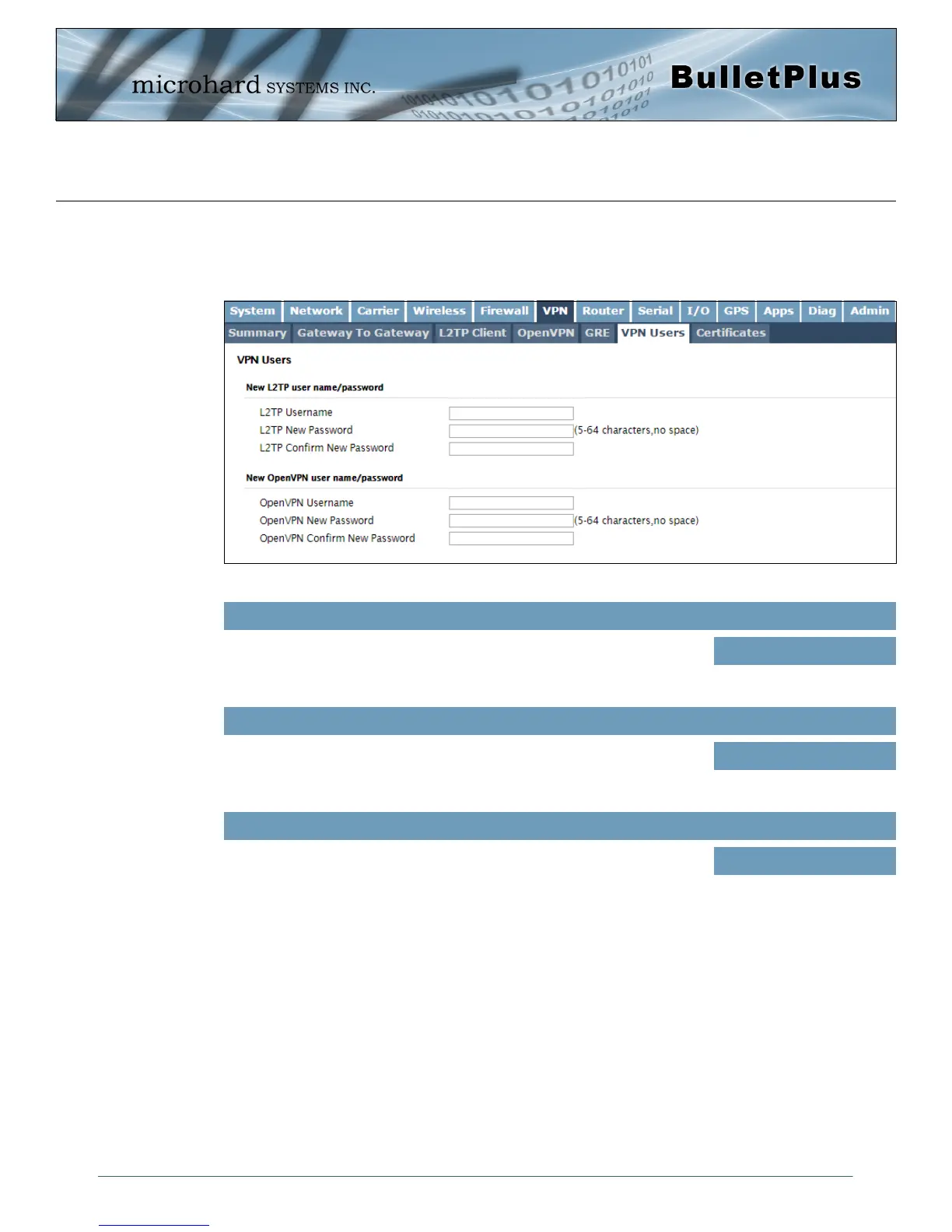
Image 4-6-6: VPN > VPN Client Access
4.6.5 VPN > VPN Users
For VPN L2TP & OpenVPN operation, users will be required to provide a username and password. Use
the VPN Users menu to set up the required users.
Username
Enter a username for the user being set up.
Values (characters)
(no default)
New Password
Enter a password for the use.
Values (characters)
(no default)
Confirm New Password
Enter the password again, the BulletPlus will ensure that the password
match.
Values (IP Address)
(no default)



 To Next Page