© Microhard Systems Inc. 148
4.0 Configuration
4.13 Admin
4.13.1 Admin > Users
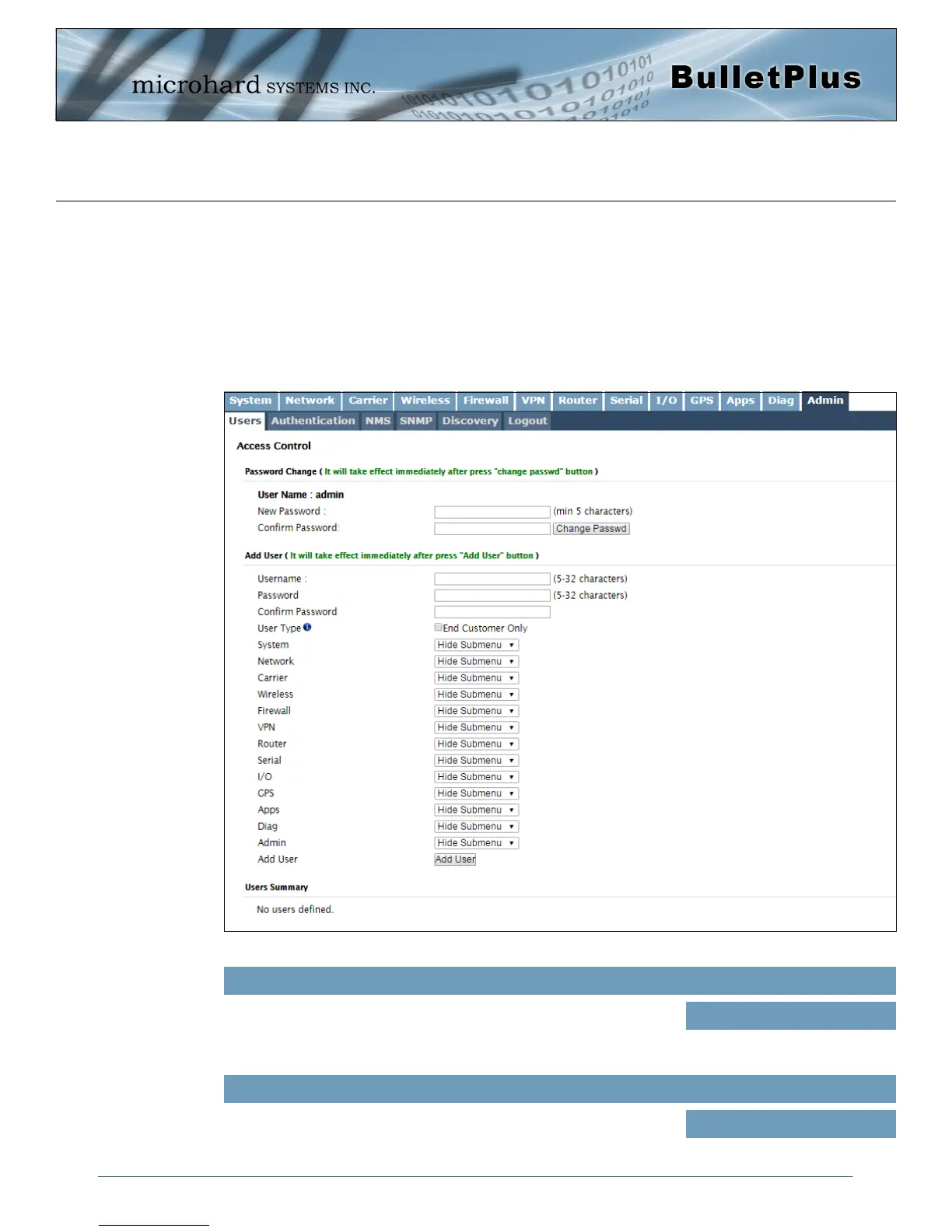
Password Change
The Password Change menu allows the password of the user ‘admin’ to be changed. The ‘admin’
username cannot be deleted, but additional users can be defined and deleted as required as seen in the
Users menu below.
Image 4-13-1: Users > Password Change
Enter a new password for the ‘admin’ user. It must be at least 5
characters in length. The default password for ‘admin’ is ‘admin’.
New Password
Values (characters)
admin
Confirm Password
The exact password must be entered to confirm the password change,
if there is a mistake all changes will be discarded.
admin
Values (characters)



 To Next Page