© Microhard Systems Inc. 158
4.0 Configuration
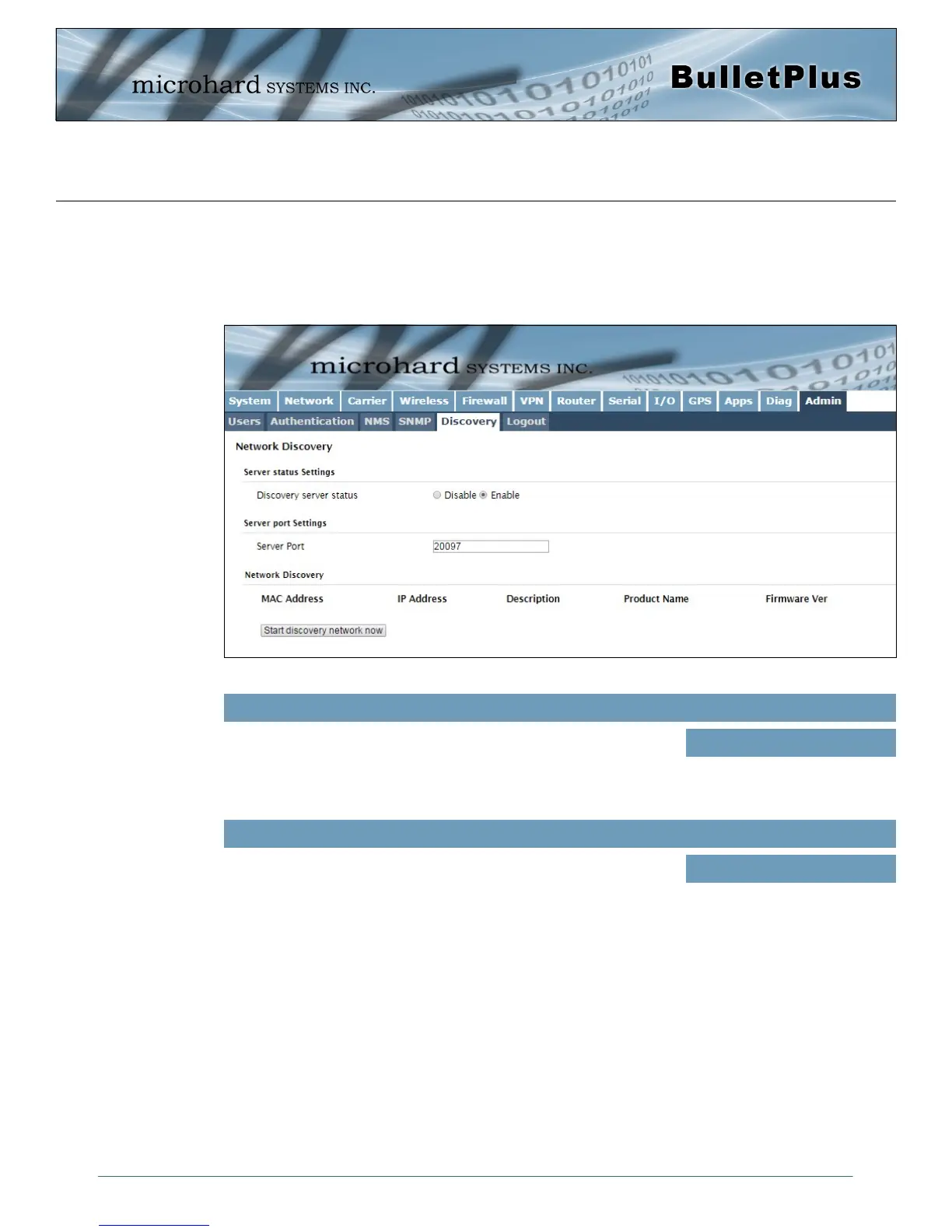
Image 4-13-7: Admin > Discovery Settings
Use this option to disable or enable the discovery service.
Discovery Service Status
Values (selection)
Disable / Discoverable /
Changable
4.13.5 Admin > Discovery
Microhard Radio employ a discovery service that can be used to detect other Microhard Radio’s on a
network. This can be done using a stand alone utility from Microhard System’s called ‘IP Discovery’ or from
the Admin > Discovery menu. The discovery service will report the MAC Address, IP Address, Description,
Product Name, Firmware Version, Operating Mode, and the SSID.
Specify the port running the discovery service on the BulletPlus unit.
Server Port Settings
Values (Port #)
20077



 To Next Page