© Microhard Systems Inc. 67
4.0 Configuration
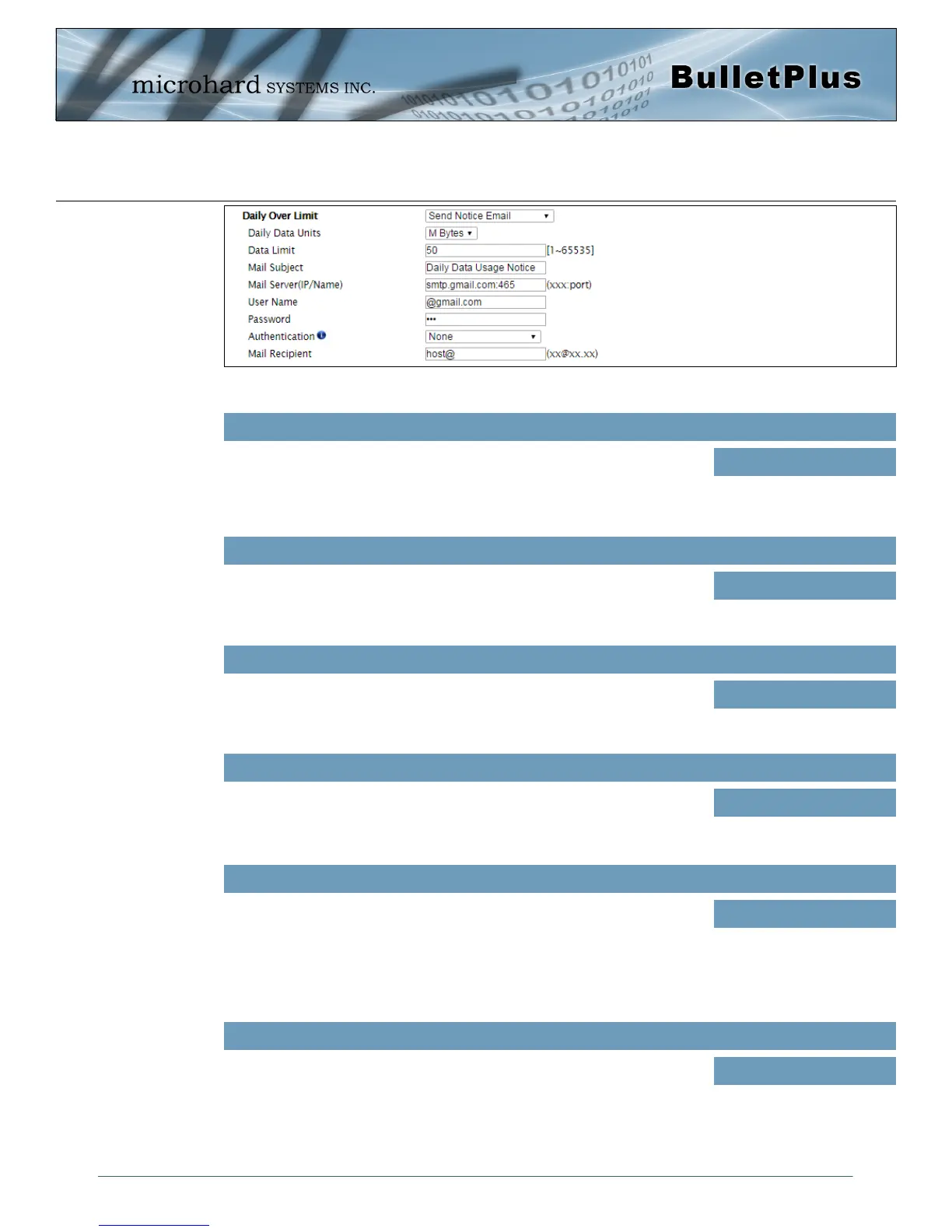
Mail Subject
Values (string)
If Email is selected as the notification method, enter the desired email
subject line for the notification email sent when daily and/or monthly usage
limits are exceeded.
Daily/Monthly Data Usage
Notice
Mail Server(IP/Name)
Values (xxx:port)
If Email is selected as the notification method, enter the SMTP server
details for the account used to send the Email notifications. Domain or IP
address with the associated port as shown.
smtp.gmail.com:465
Username
Values (username)
If Email is selected as the notification method, enter the username of the
Email account used to send Emails.
@gmail.com
Password
Values (string)
If Email is selected as the notification method, enter the password of the
Email account used to send Emails. Most email servers require
authentication on outgoing emails.
***
Mail Recipient
Values (xx@xx.xx)
Enter the email address of the individual or distribution list to send the
email notification to.
host@
Image 4-3-10: Data Usage > Email Config
Authentication
Values (selection)
If Email is selected as the notification method, enter the password of the
Email account used to send Emails. Most email servers require
authentication on outgoing emails.
None
SSL/TLS
STARTTLS
SSL/TLS + STARTTLS



 To Next Page