Open
Open allows you to create a new sample information or degas conditions file or
edit an existing one.
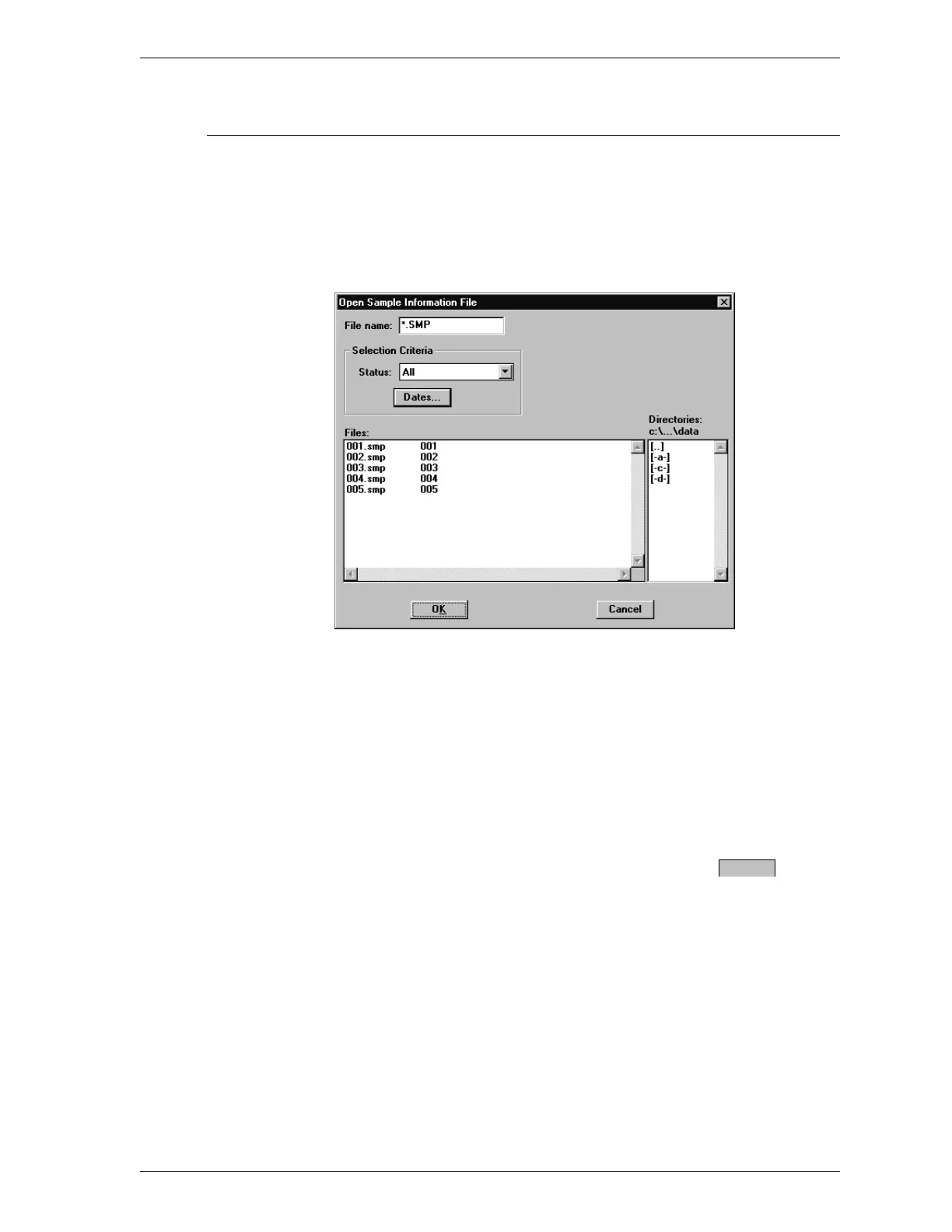
Regardless of which file type you select, a dialog box similar to the one shown
below is displayed.
File Name For sample information files, this field contains
the next sequenced file name generated by the
SmartPrep program. For degas conditions files,
the file name displayed includes the wild card (*)
and the following extension: DEG.
Use one of the following methods to select a file
name:
•
To use the default name, select .
•
Enter a name in the File name: field. The ex-
tension is added automatically.
•
From the list of files in the Files: list box,
move the mouse pointer to the desired file and
double-click.
OK
SmartPrep File Menu
Aug 98 3-3











 To Next Page