Save
Save enables you to save any changes you have made to the file in the active
window. The file is saved under its current name.
Save As
Save As enables you to save the file in the active window under a new name.
Saving the file under a new name allows you to make modifications without
changing the original file.
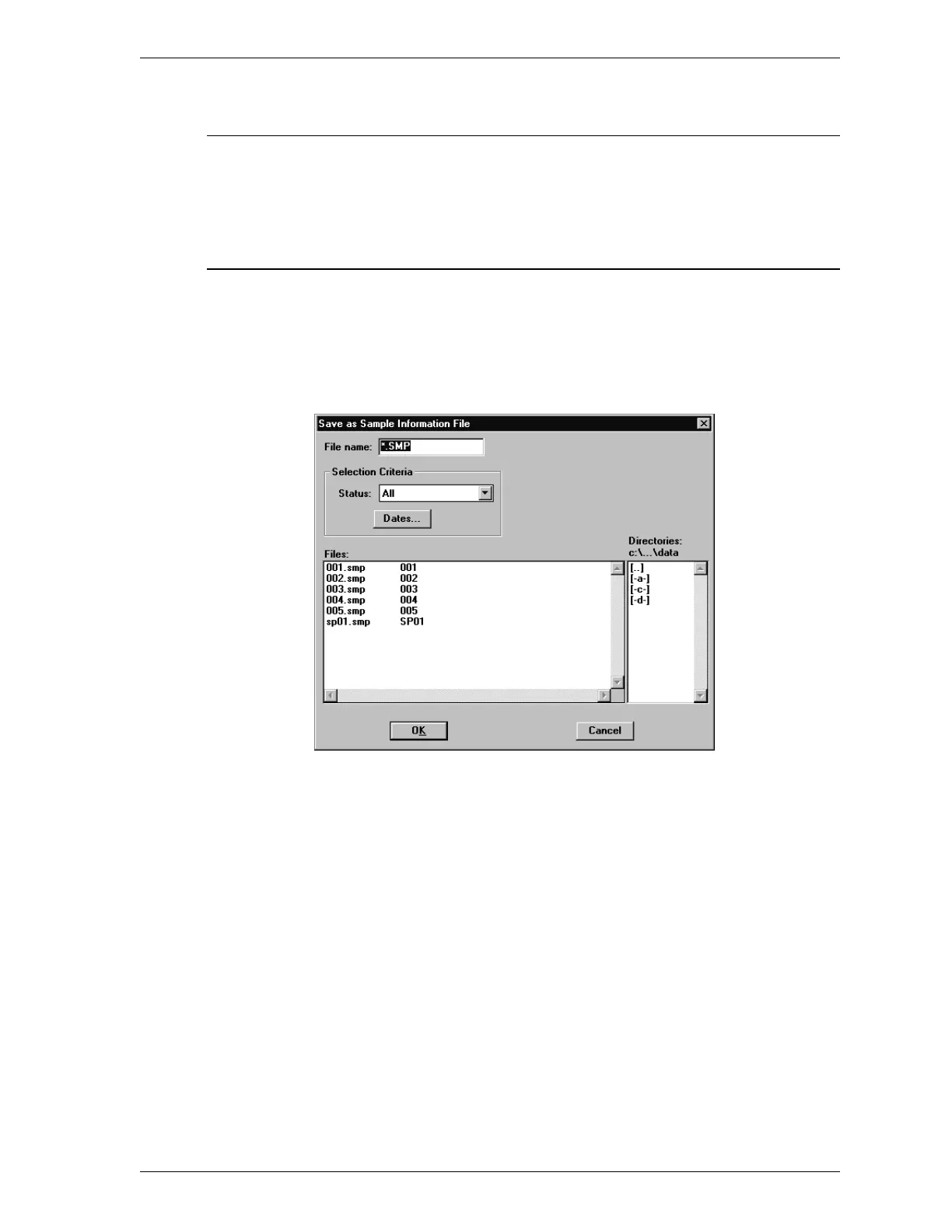
When you select Save As, the following dialog box is displayed.
File name: Enter the new file name.
Length: 8 alphanumeric characters
SmartPrep File Menu
Aug 98 3-11











 To Next Page