100
6.3 Reagents Log and Events Log from the terminal to the USB key
Insert the USB memory stick into its slots placed on the right side of the terminal.
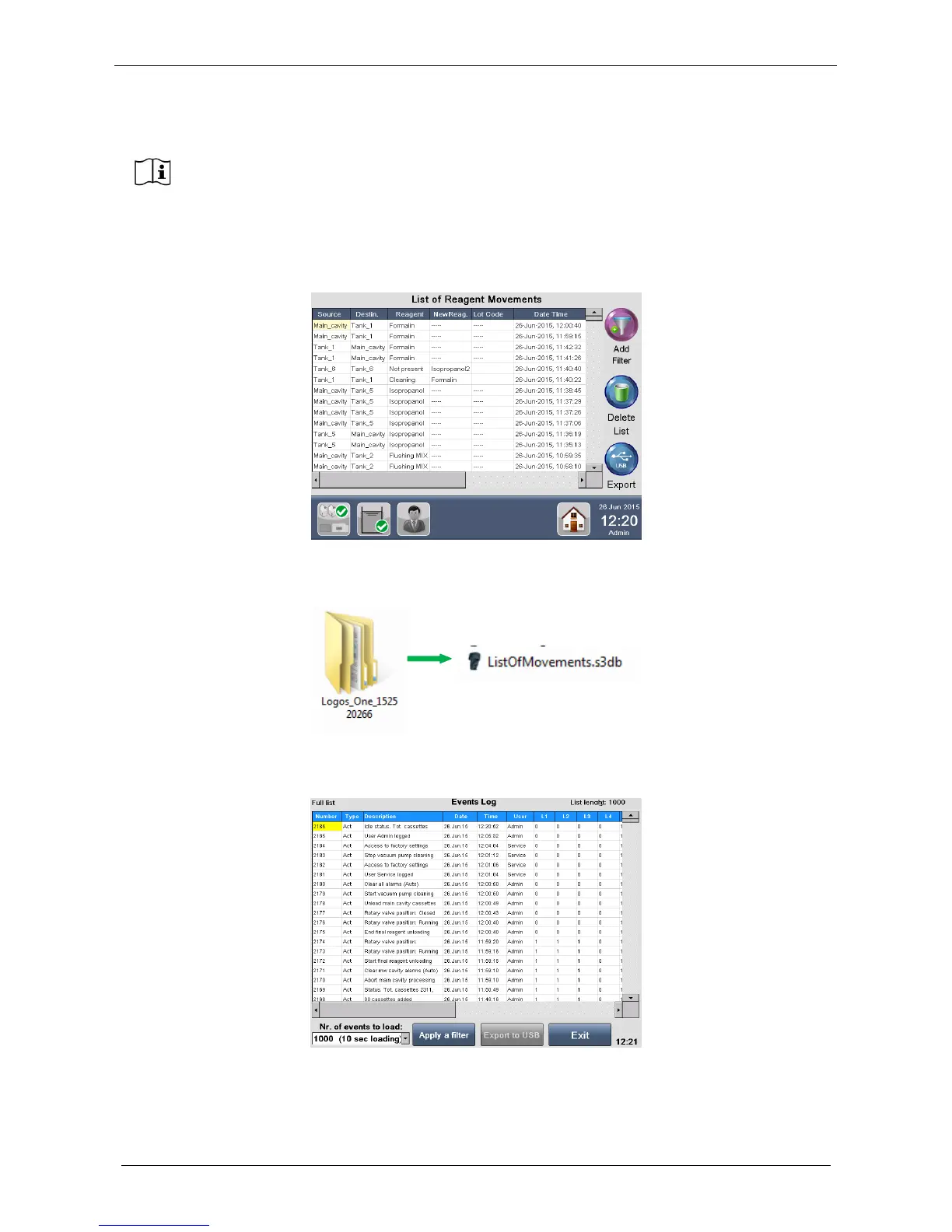
Select Log Book button from the MAIN FUNCTIONS screen and then select Reagents Log. The following
screen appears where it is possible to export the List of Reagent Movements: press Export to copy it.
After exporting plug the USB in a PC, a folder named “Logos_ONE_S.N.” is present containing the file
“ListOfMovements.s3db.
Select Log Book button from the MAIN FUNCTIONS screen, then Events Log. The following screen
appears where it is possible to export the Events Log: press Export to USB to copy it.



 To Next Page