99
• Press OK and check your e-mail, a preset message appears with the following information:
TO: customersupport@milestonemedsrl.com
OBJECT: Milestone UNIT NAME (Serial number)
TEXT: To Milestone Customer Support...
• Just send the e-mail.
6.2.4 Change settings
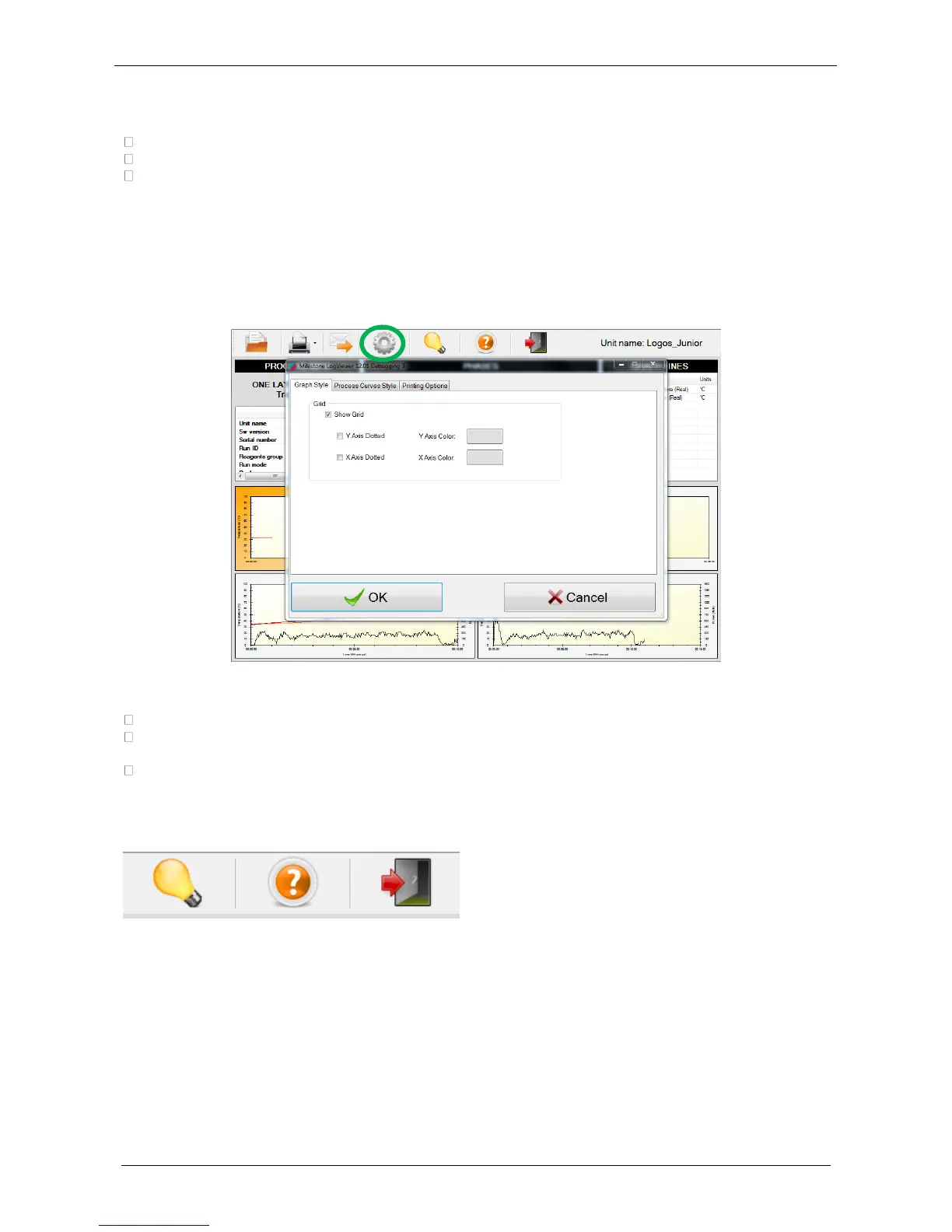
• Select “Settings” icon (green circle), to change the settings configuration.
• All settings are displayed as follows:
Graph style: modify the color of the X/Y axes, show/hide the grid, get axes displayed as dotted.
Process curves style: modify color and thickness of the Pre-set and Real values lines (temperature
and power).
Printing options: modify pages header.
6.2.5 Other functions
1. About Milestone LogViewer
2. View help (HOW TO)
3. Exit Application



 To Next Page