88
4.3 Wax replacement procedure
When WAX needs to be changed because heavily contaminated, dirty or smells of alcohols that a WAX
standard cleaning cycle (see the chapter 3.5) cannot eliminate, replace it as follows:
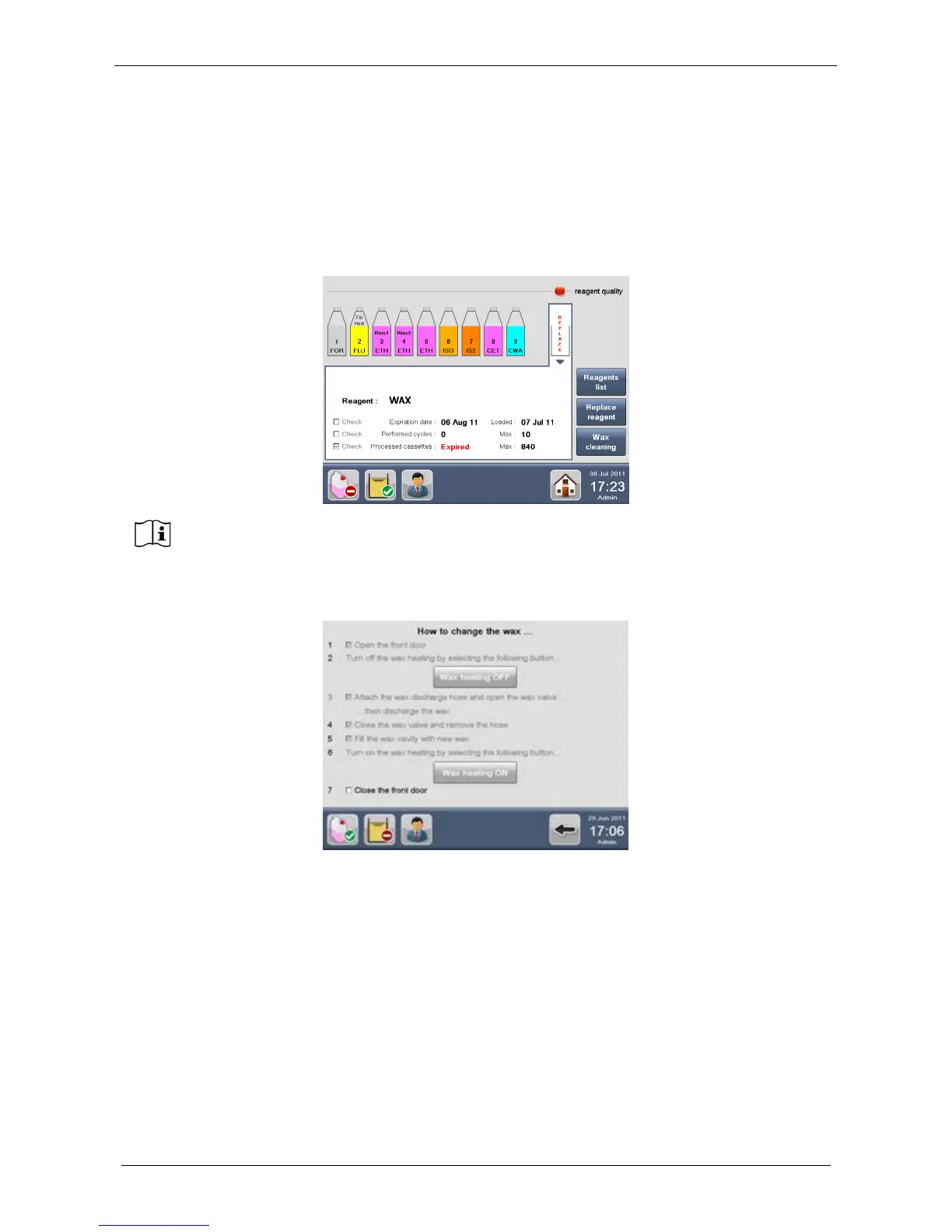
1. If WAX reuse life has expired, a RED icon appears over the WAX CAVITY (REAGENT
CONFIGURATION screen) and the word Replace is RED. Select the WAX CAVITY and press Replace
reagent button (figure below).
2. The screen below appears, showing the WAX replacement procedure. Follow the procedure
displayed on the screen.



 To Next Page