89
HOW TO OPERATE
A. Lift the front panel.
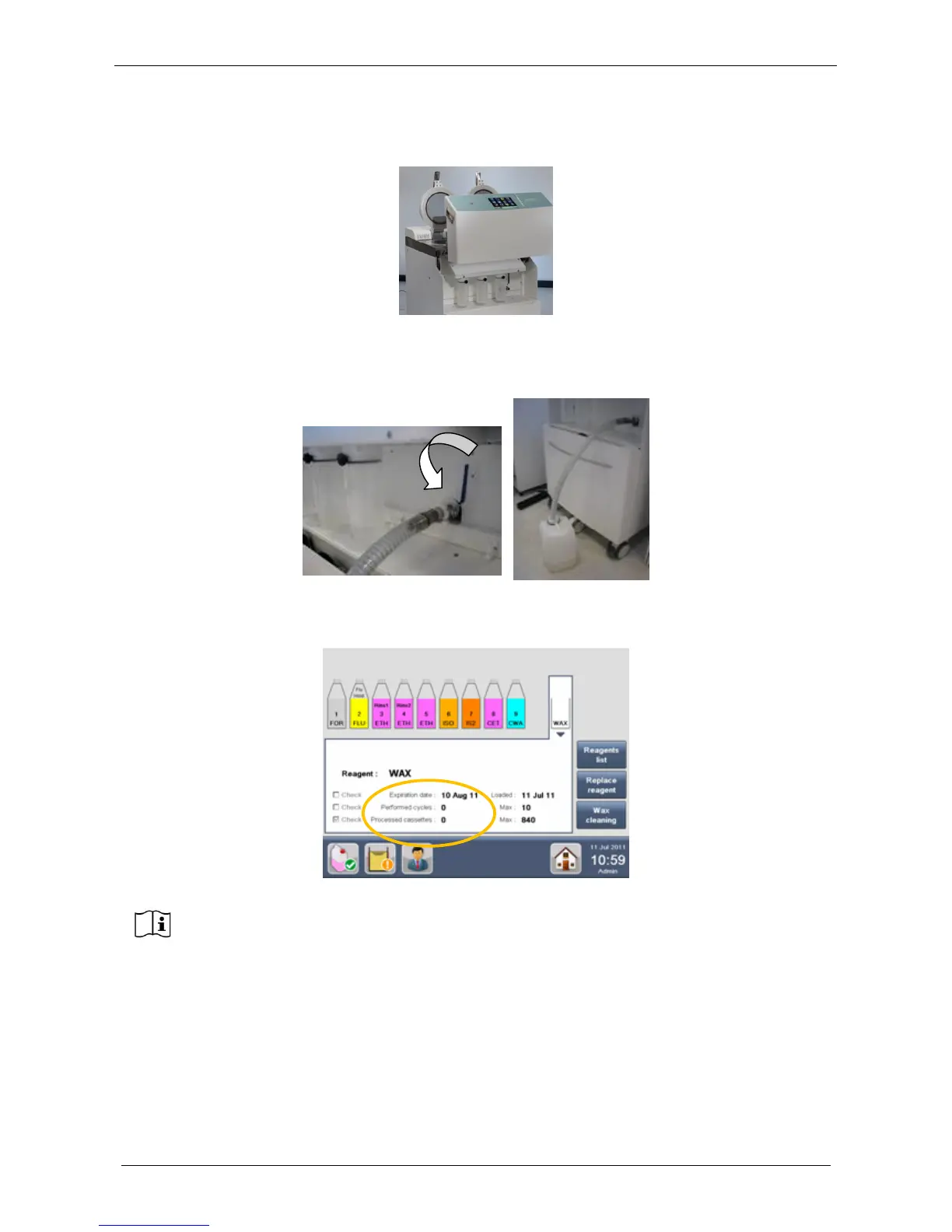
B. Lock the tube on the unit as shown in figure below.
C. Place the other end of the hose into a WAX waste container.
D. Turn the lever down to open.
After the replacement, the software resets WAX management count to zero and the loading date
automatically changes to the current date.
3. Wait until the new solid WAX loaded has melted (100 minutes). If molten WAX is loaded, the WAX
status icon becomes yellow. Check the WAX status (fully molten) and press Set as ready button, as
indicated in the chapter 2.13.



 To Next Page