87
4.2.4 Change reagents during a WAX phase
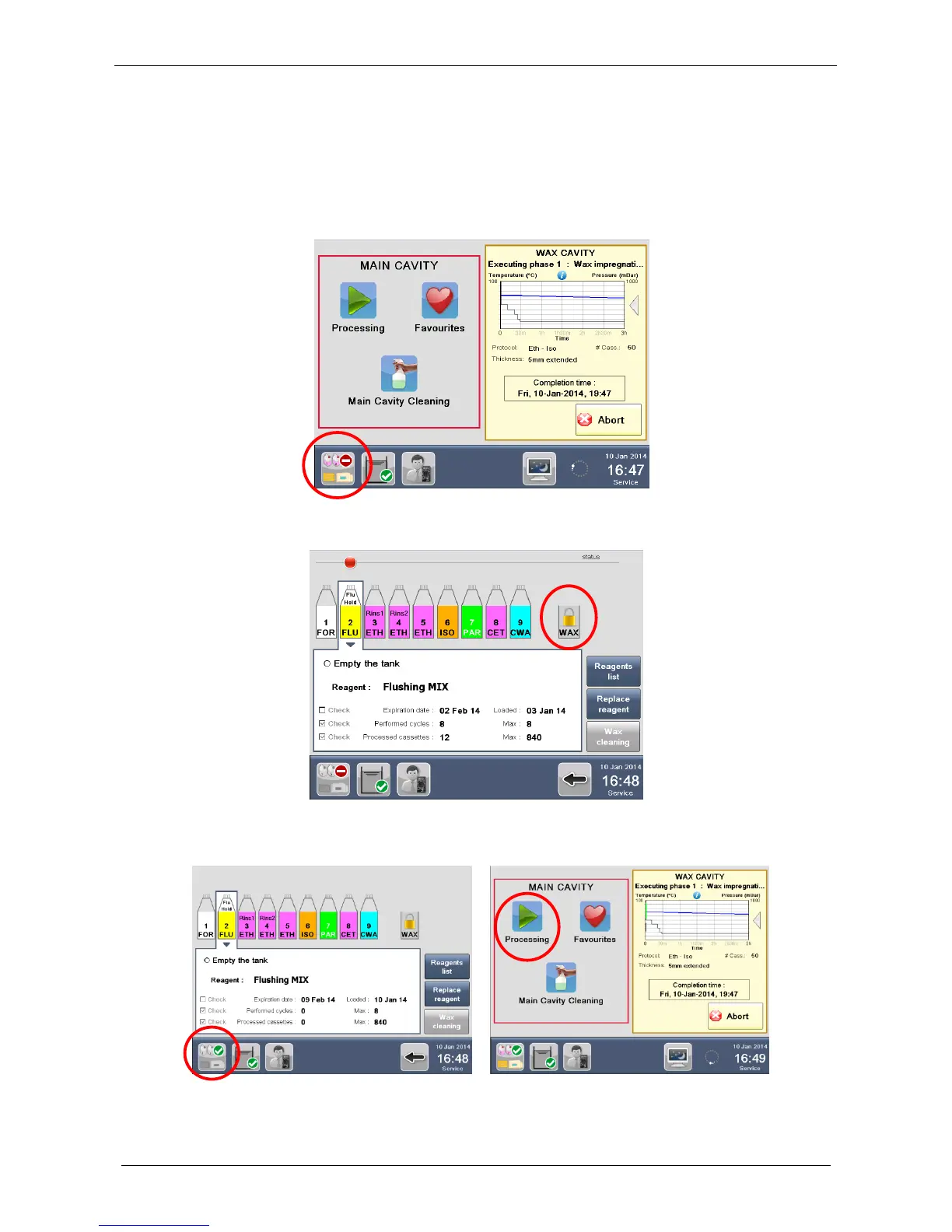
During a WAX phase, both in MAIN and WAX cavity, it is now possible to perform the reagents replacement
procedure from the “Reagents status” icon on the STATUS BAR.
The icons that are active are colored, the inactive are grayed out.
During the reagents replacement procedure, a padlock appears on the WAX tank because it is the only
reagent in current use and cannot be changed until the wax is completed.
In this way during the WAX phase it is possible to change the other reagent tanks and start a new run in the
main cavity.



 To Next Page