MM098-002 – LOGOS ONE – Operator Manual
54
3.2.2 Run a standard program
Press PROCESSING from the MAIN FUNCTIONS screen.
For further details refer to chapter 3.2.1.
The following screen appears: enter the Run ID of the process to be run (if required).
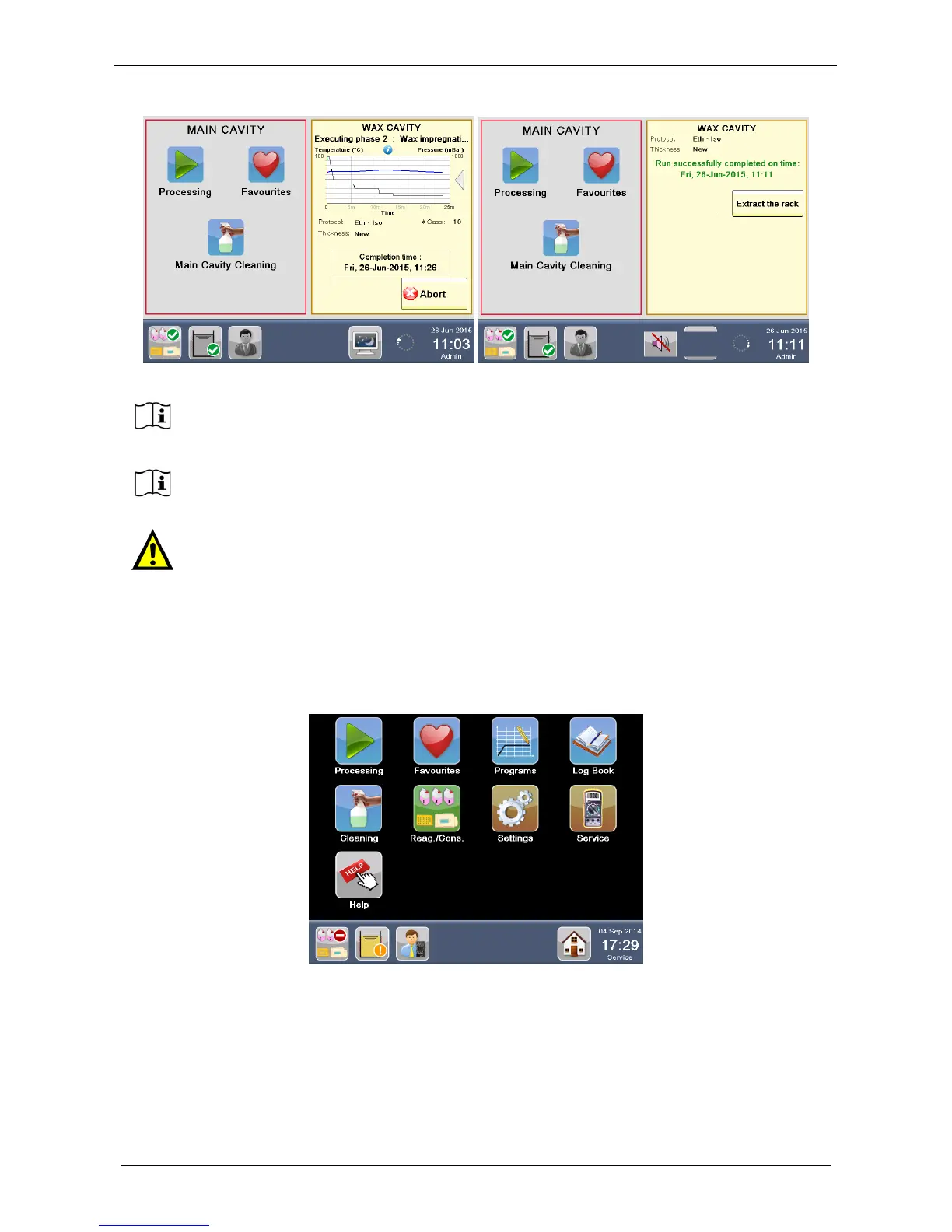
After MANUAL movement of the rack to the WAX CAVITY, the DUAL mode allows USER to
immediately start a new process (AUTOMATIC or DUAL) in the MAIN CAVITY, without
waiting for the end of the WAX phase of the previous process run.
DUAL mode does NOT require a final MAIN CAVITY CLEANING CYCLE, as requested
instead by the AUTOMATIC mode. In fact, in this case, WAX phase is directly performed in
WAX CAVITY, leaving the MAIN CAVITY uncontaminated by WAX.
Should the operator not be present at TIME TO MOVE THE RACK, AFTER 10 MINUTES THE
DUAL PROCESS TURNS TO AUTOMATIC and WAX is AUTOMATICALLY pumped into the
MAIN CAVITY to keep samples safe. For further details see the chapter 3.2.3.



 To Next Page