41
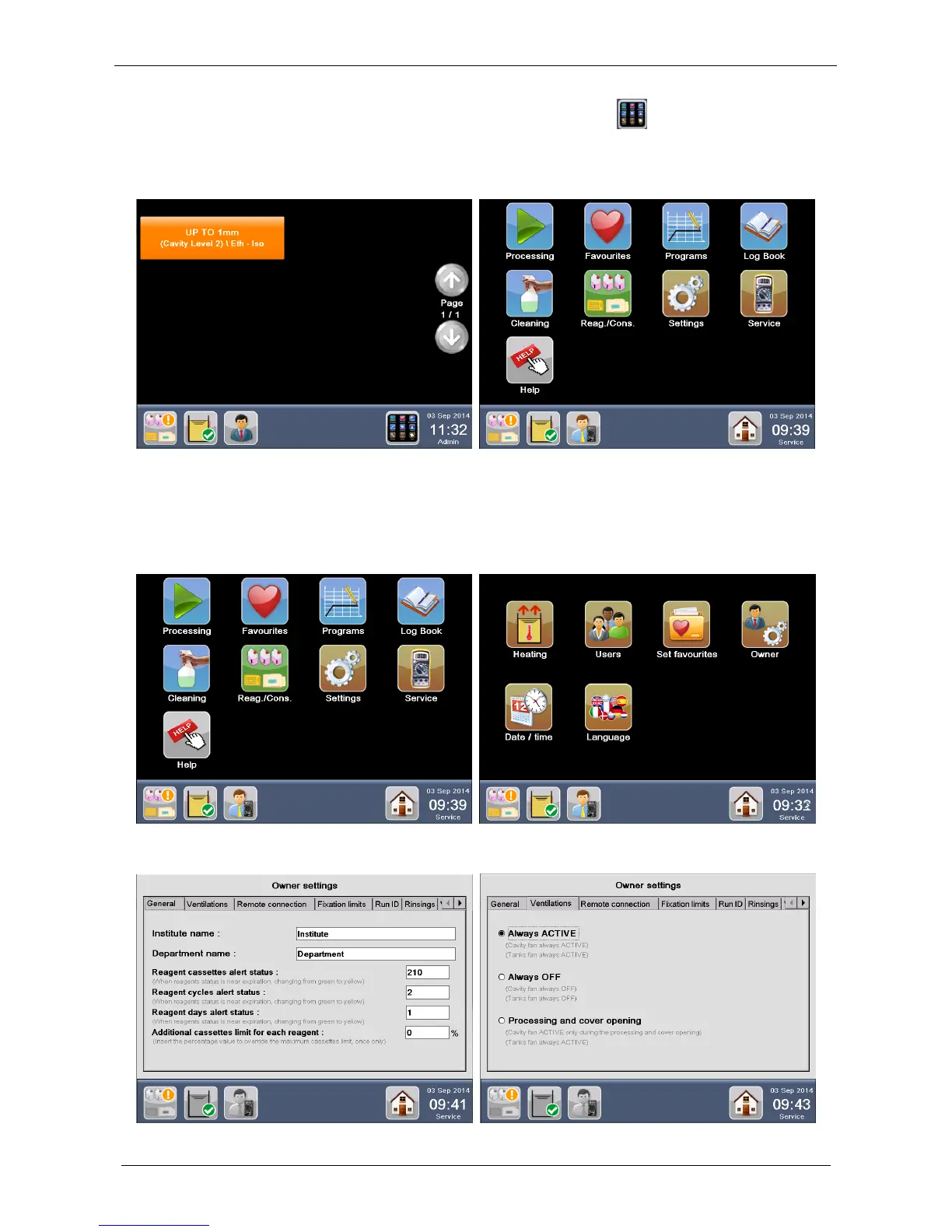
If USER HOME PAGE is set as FAVOURITES (figure below left), press the button to return to the Main
functions screen.
If HOME PAGE is set as MAIN FUNCTIONS, press Favourites to open the FAVOURITES SCREEN (figure
below right)
2.16 Owner settings
This function is available only for SERVICE and ADMINISTRATOR. Press Settings from the MAIN
FUNCTIONS screen, then Owner.
The OWNER SETTINGS screen appears as shown in the picture below.



 To Next Page