64
3.2.7 Screen saver
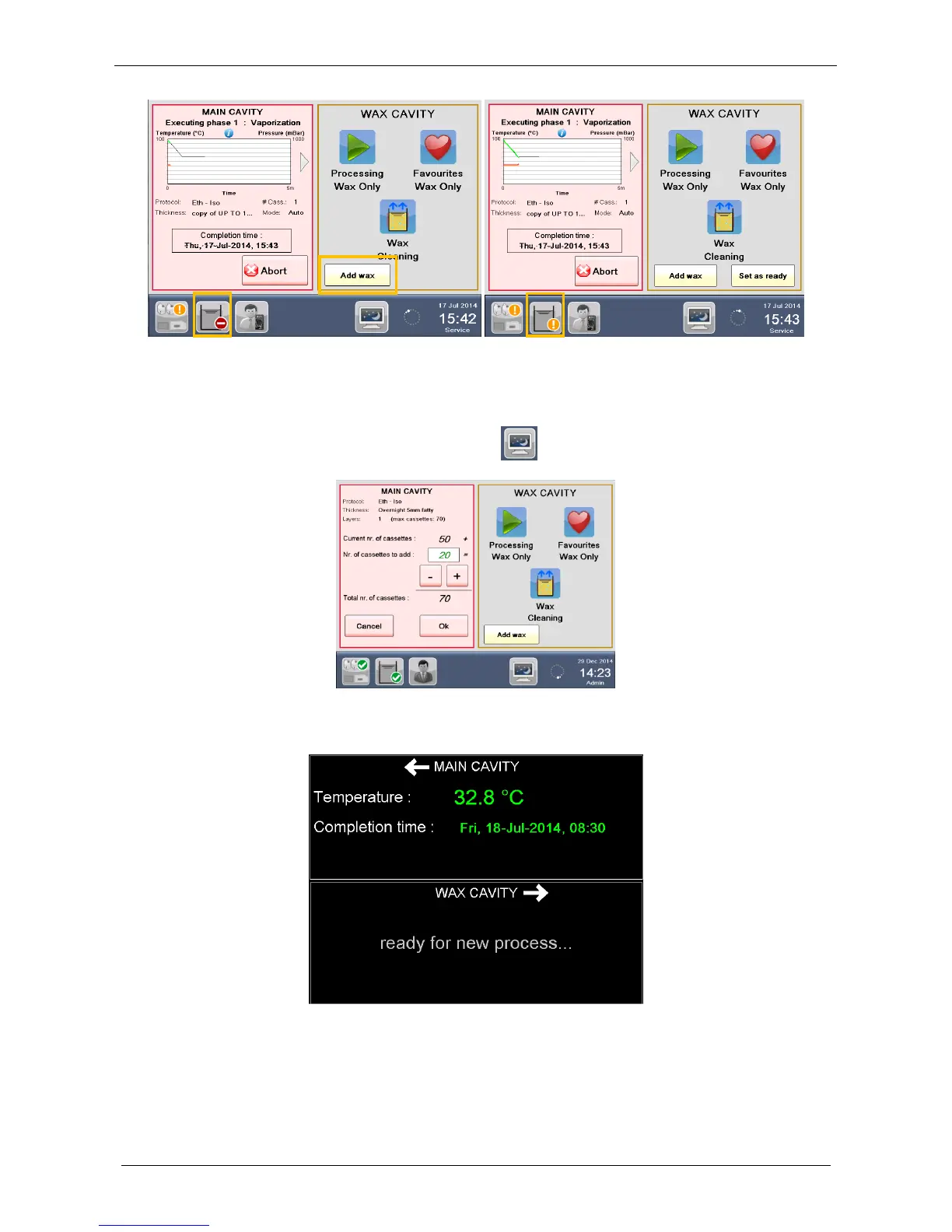
When the LOGOS ONE is running after 5 minutes of inactivity the screen saver comes out automatically.
It is possible to recall it in every moment pressing the icon on the status bar.
The screen saver gives very useful information during a program: for example when a cavity is free for a new
process is written “ready for new process”.
To exit from the screen saver simply touch the screen and insert the access password. This is a very useful
function for samples and user safety.



 To Next Page