80
4 REAGENTS MANAGEMENT
4.1 Reagents reuse life
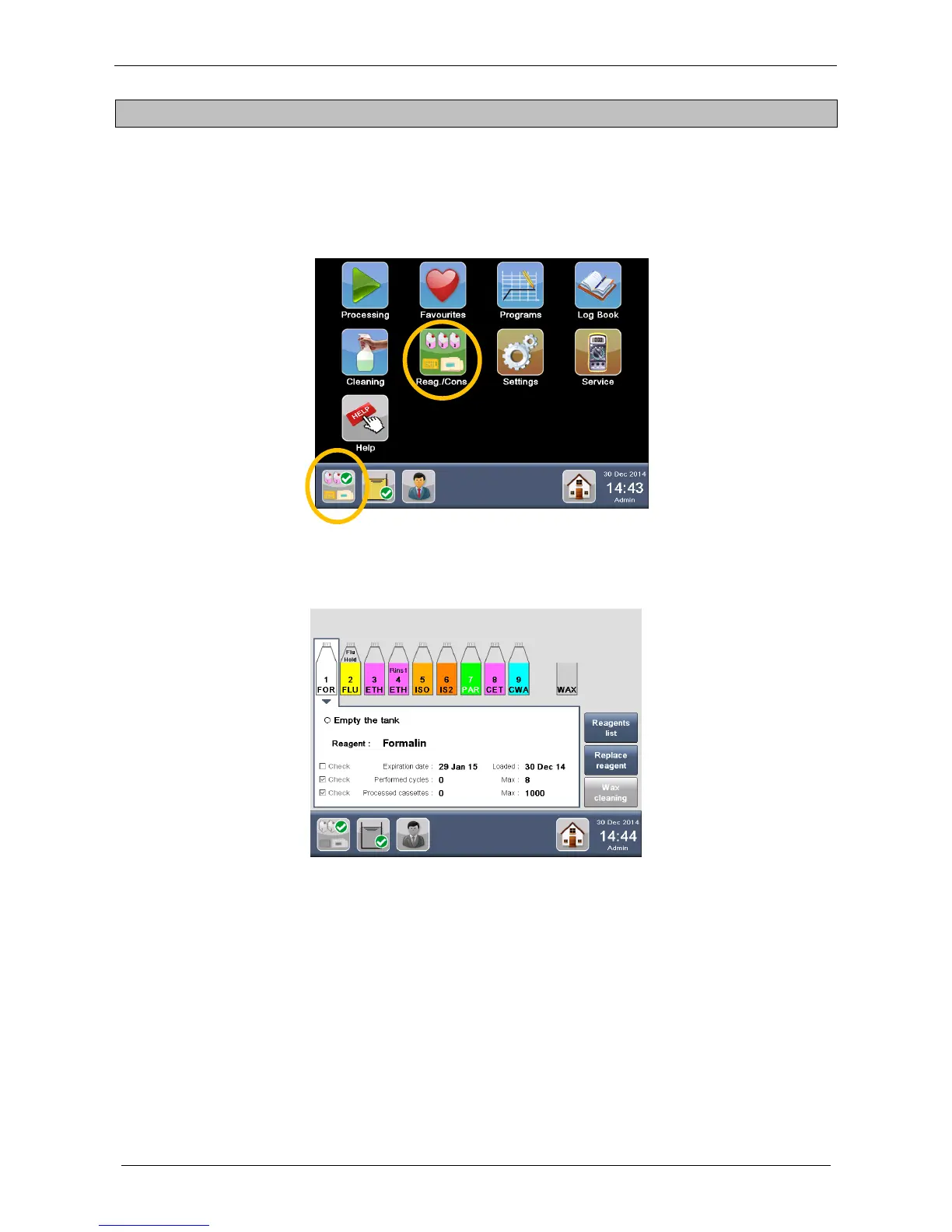
Select “Reag./Cons.” from the MAIN FUNCTIONS screen or press directly the “Reagents status icon” on the
STATUS BAR of the HOME PAGE.
The REAGENTS MANAGEMENT window appears, showing the settings and the status of all the reagents
loaded in the unit (Wax included). It is possible to check the reagents STATUS by selecting the relative
TANK (or WAX CAVITY) in the upper part of the screen.
The PARAMETERS of the reagent selected are shown in details (figure below) on the lower part of the
screen.



 To Next Page