97
6.2.2 Print process
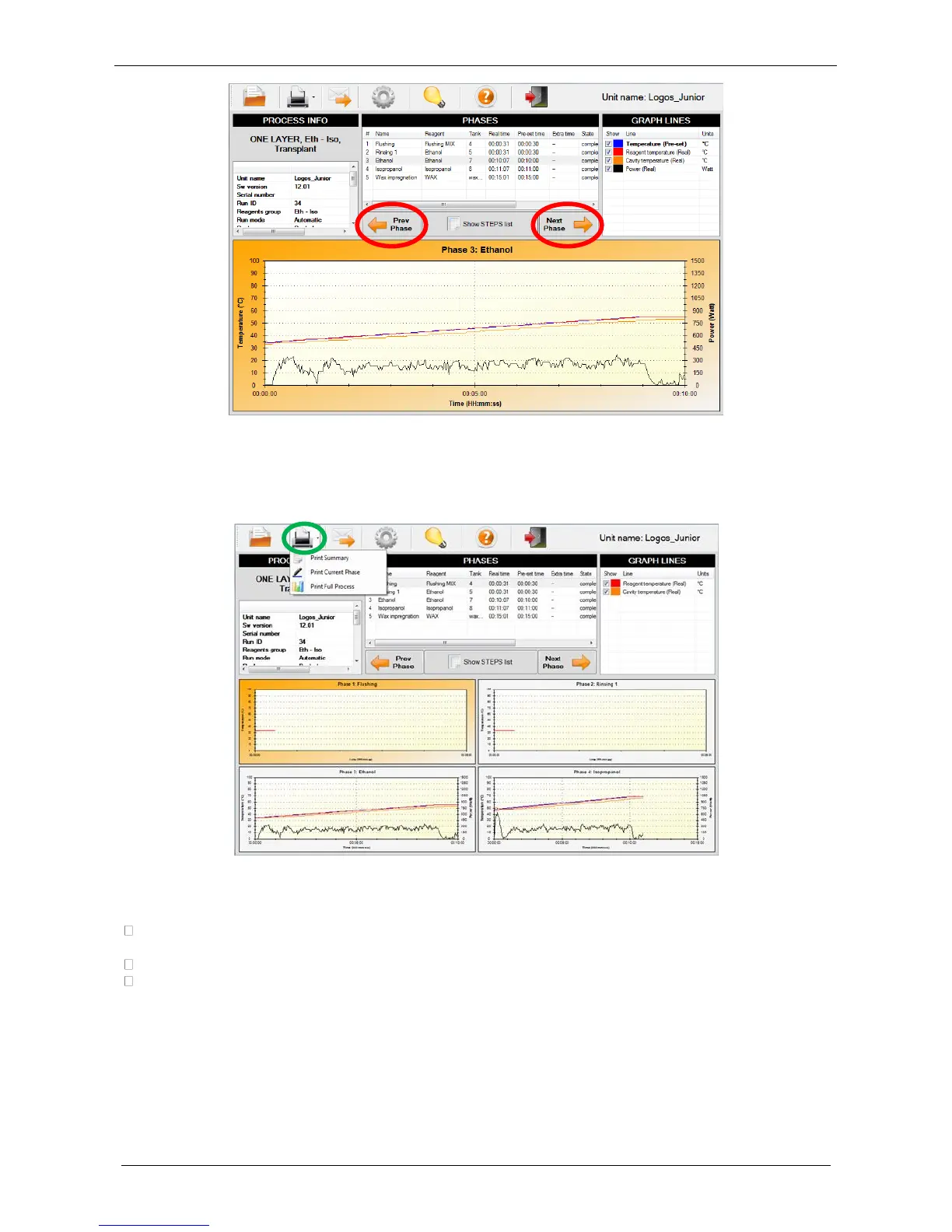
• Preview/printing of the curves is possible by selecting the “Print” icon (green circle).
• Select the appropriate printing format from the drop down menu:
Print summary: this print preview includes all phases (without graphs) with process and unit
information.
Print current phase: this print preview includes phase selected with process and unit data.
Print full process: this print preview includes all phases (with graphs) with process and unit
information.
• When the print preview required has been selected, click on the “Print” icon from the bar in the upper
left of the preview page (green rectangle).



 To Next Page