96
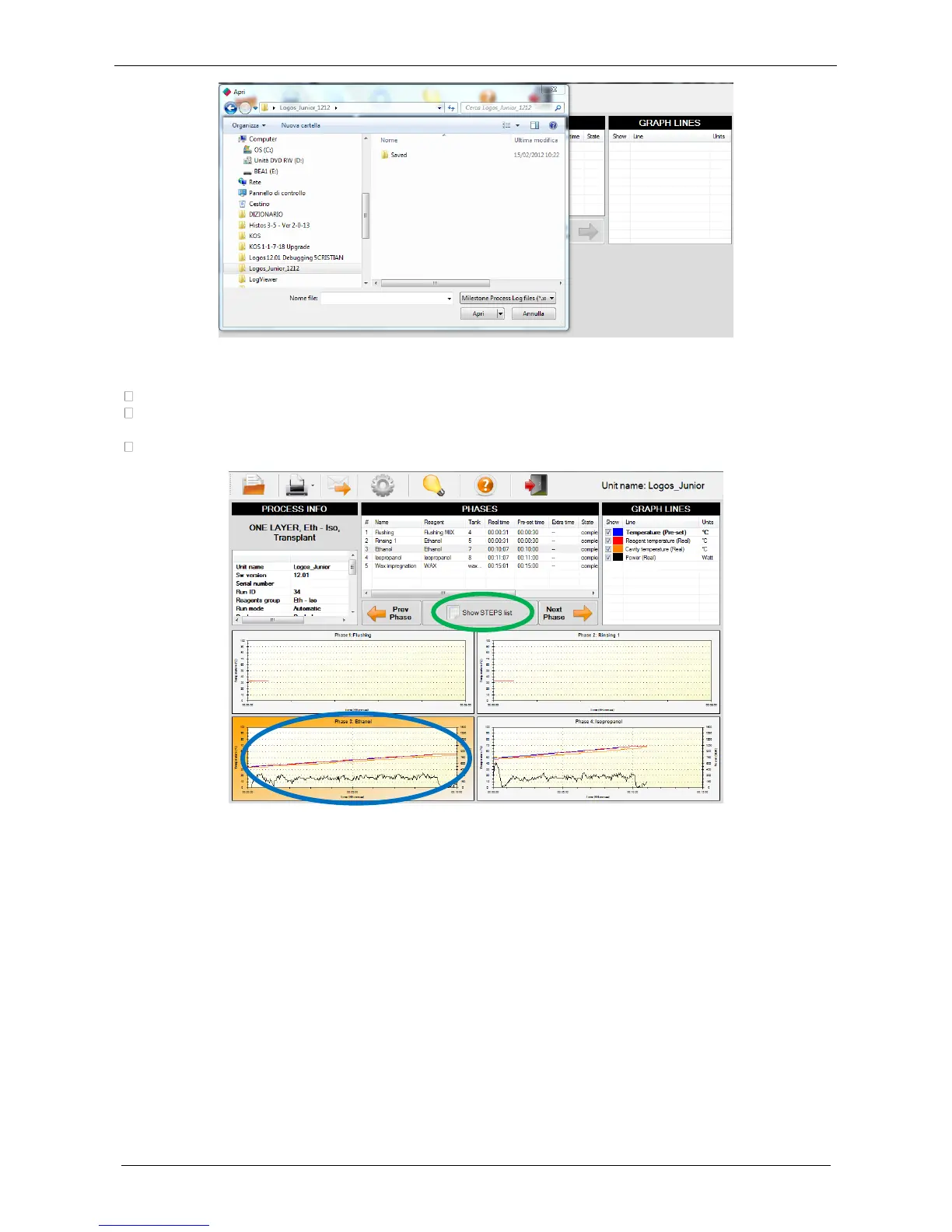
• Now all the process phases are shown. Data available are listed in the following fields:
PROCESS INFO: all details of that process.
PHASES: all details of different phases. Click on "Show step list" for details of the selected STEP
(green circle).
GRAPH LINES: info and selection.
• For an enlarged view of a processing curve, click directly on it (blue circle figure above).
• Click on “Prev Phase” or “Next Phase” arrow (red circles figure below) to view phases before or after
it respectively.



 To Next Page