103
HOW TO OPERATE:
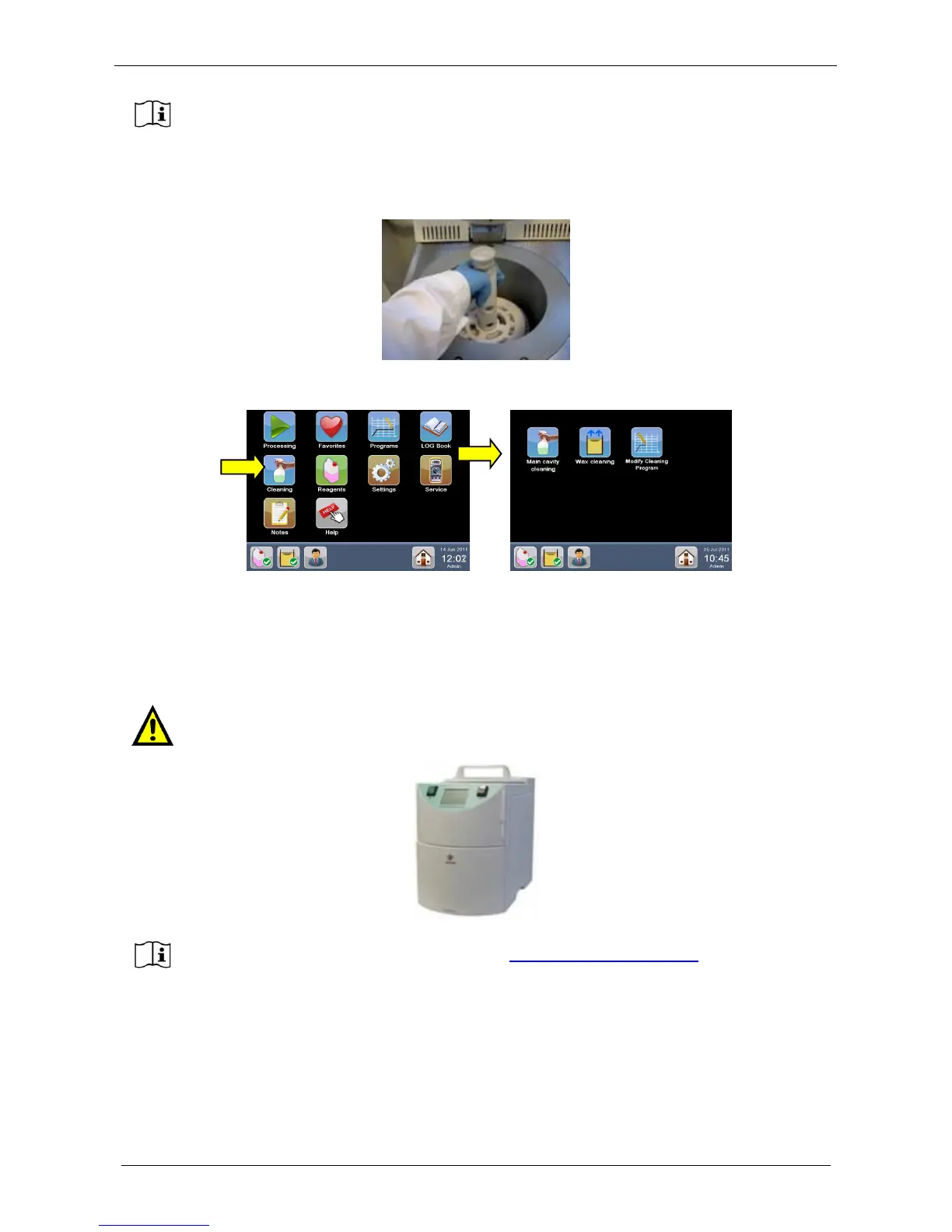
1) After unloading samples, open the main cavity and insert the empty rack to clean, as shown below.
2) Select “Cleaning” from the main menu and then “Main cavity cleaning”.
3) Your default cleaning protocol starts automatically.
4) At the end of the cycle, both the rack and the main cavity are clean from wax and a new process can be
started.
SECOND WAY (HistosMATE instrument requested):
Milestone has developed an automatic rack cleaner: the HistosMATE.
For further info open our website page www.milestonemedsrl.com or contact our
representative in your country.



 To Next Page