MM098-002 – LOGOS ONE – Operator Manual
47
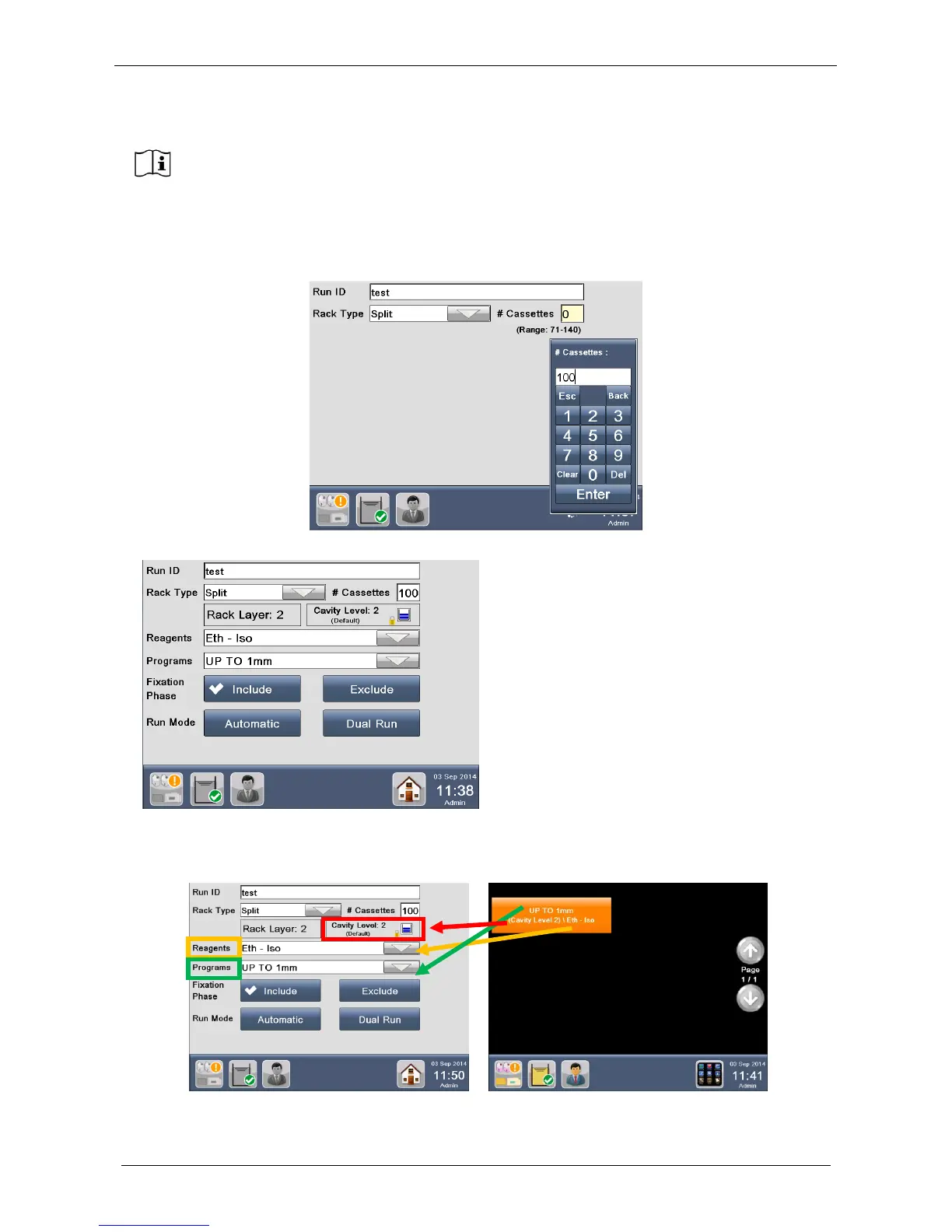
Enter the number of cassettes to be processed (see the figure below), up to 140 if two layers has been
selected (up to 210 for three layers). Press “Enter”.
The “Reagents” (in this case: “Eth-Iso”) and the “Program” (in this case “Up to 1mm”) are automatically
displayed, according to the Favorite protocol selected (figure below).
It is not possible to change the rack of a favourite program because the rack is set in the
program, so pressing RACK SELECTION you will come back to the Home screen.
At the start of a non favourite program the software automatically remembers the last rack
selected, if another rack model must be selected press RACK SELECTION and all the rack
models will be displayed.
In this example, a 2 layers favourite
was selected
- Rack Layer: 2
- Cavity Level: 2



 To Next Page