73
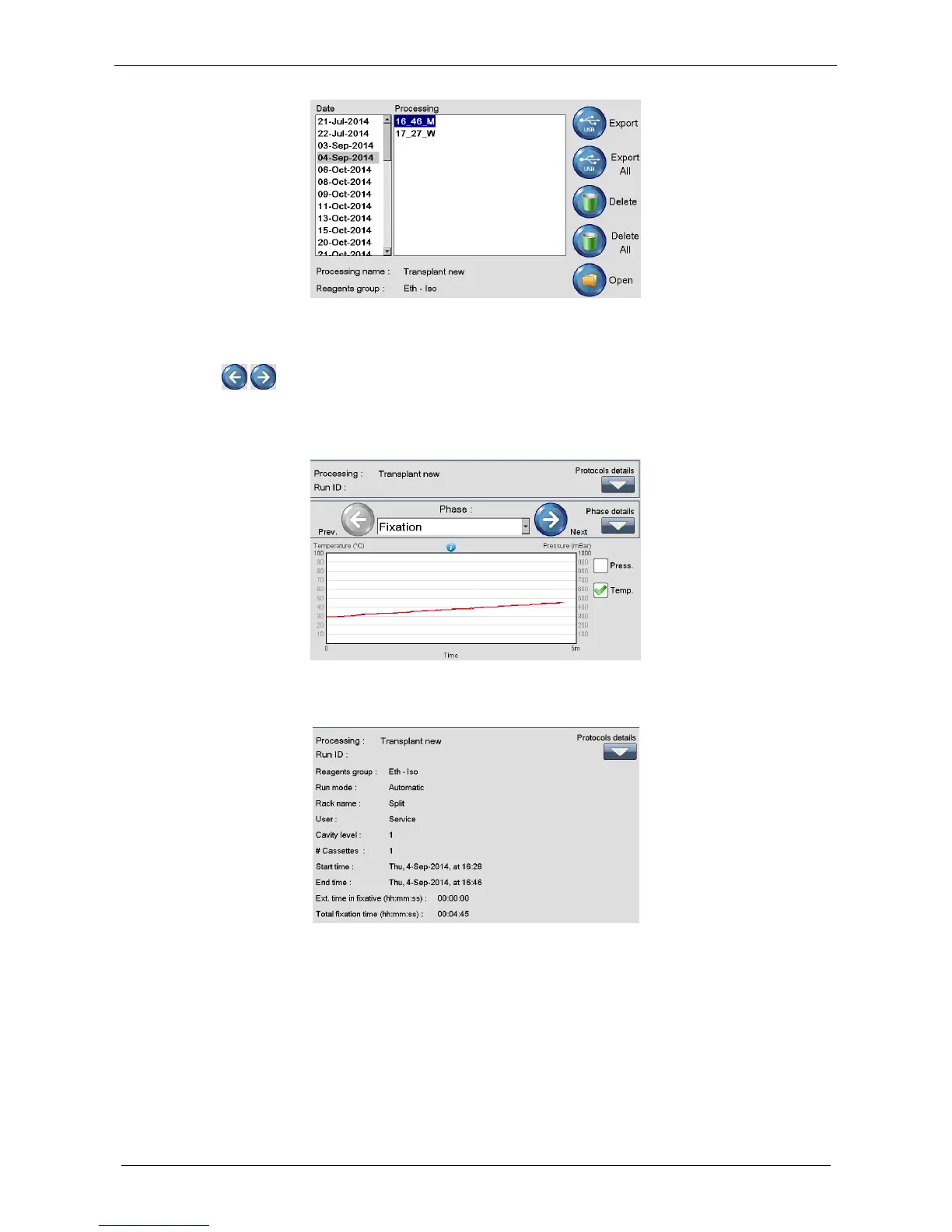
Click on the file name to see the details. Press Open to visualize the graphs of the highlighted file (figure
above).
Click the icons (figure below) to see the graphs of the different saved processing PHASES.
Heated phases graphs show up to 2 colored lines, describing the PRESET TEMPERATURE (blue) and the
REAL TEMPERATURE (red) output values about the current step (In this case: Fixation). Not heated phases
graphs show only 1 colored line, the REAL TEMPERATURE red. Details are directly explained on the graph.
Press Protocols details to see them, if required.
Press Phase details to see them, if required.



 To Next Page