68
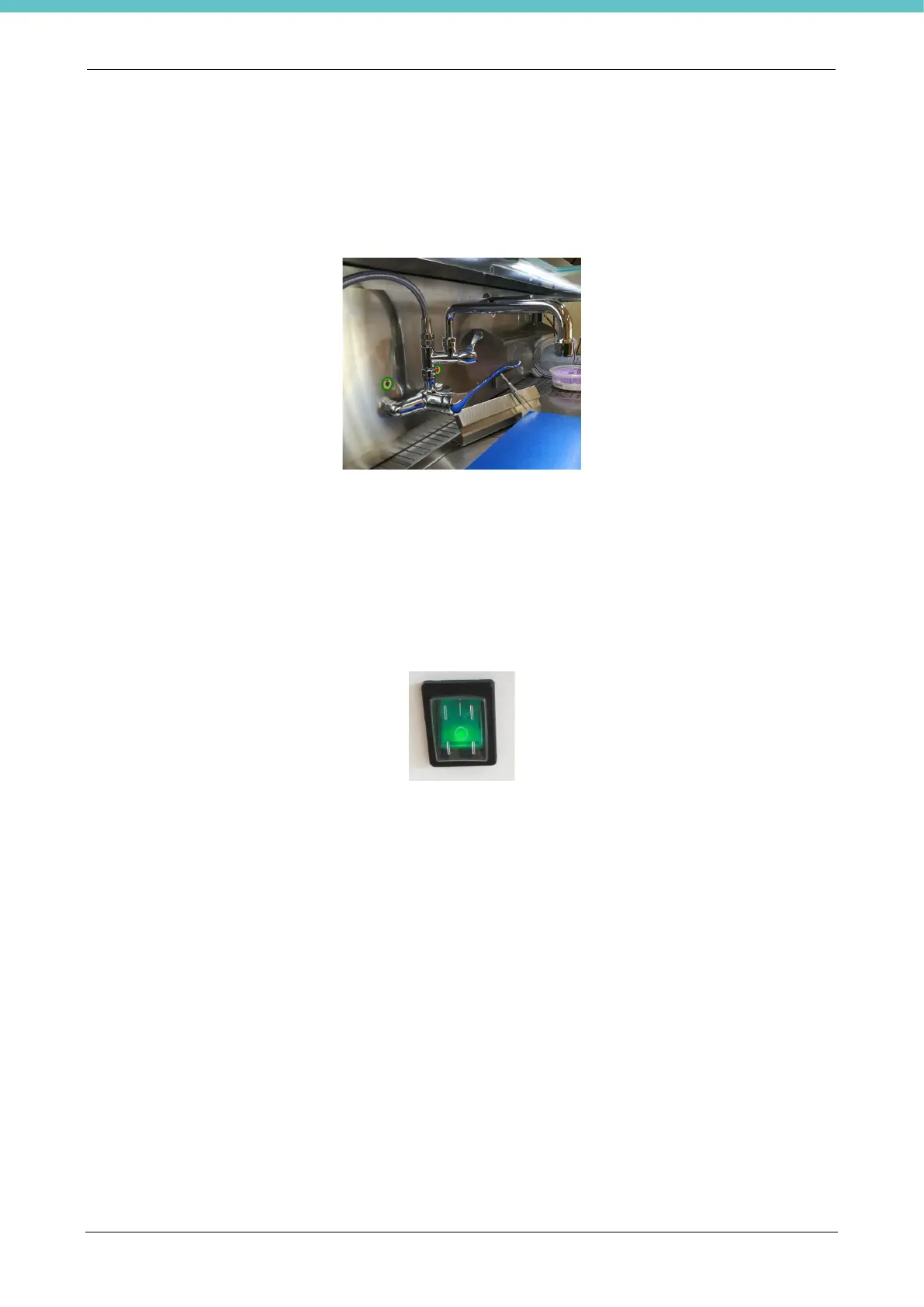
2.5.15. Installing second tap
The second tap CODE 109266 is included in the VIRCHOW version, while it is optional in other units.
Refer to chapter 5.28 for the installation procedure.
2.5.16. Switching on the UltraGROSS unit
You may now connect UltraGROSS to the power supply by means of the specific cable at the back left side of
the unit (front view).
Press the luminous button to switch on the unit, located on the front left panel, by moving it to ”I”. This button
must also be used to turn off the UltraGROSS (“O”).



 To Next Page