90
2.6.6. Language
To have access, press “Settings” on the status bar of the main screen, and then “Language”.
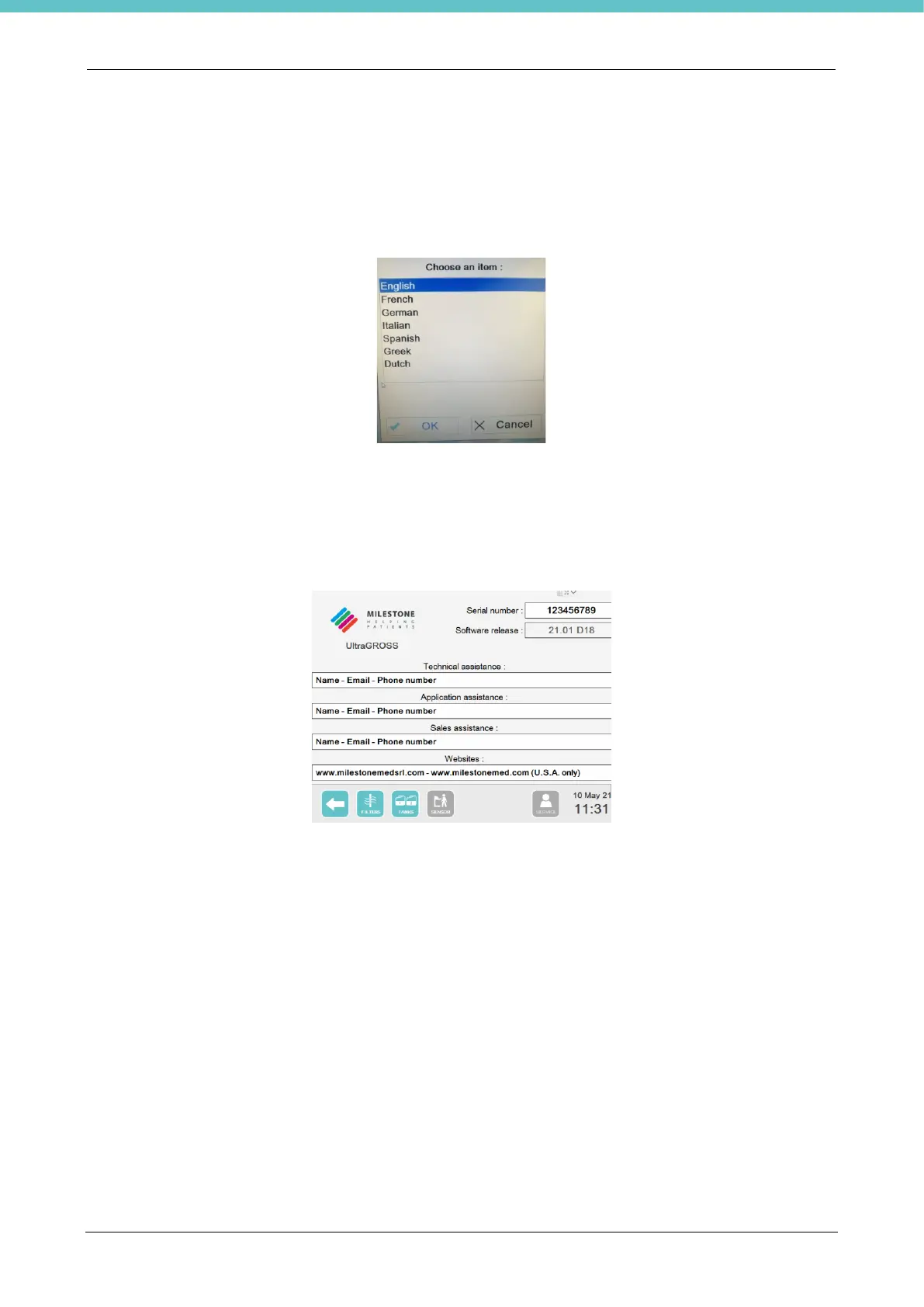
The following menu opens with the available languages.
2.6.7. Help
To have access, press “Settings” on the status bar of the main screen, and then “Help” to view the Application
and Technical assistance contacts.
The following screen appears.
Useful Customer support information is shown at the top right:
- “Serial number” (the unit’s Serial Number)
- “Software release”
Information, such as name, email and telephone number to contact Support can be viewed in the central
section of the page, according to the following categories:
- “Technical assistance”
- “Application assistance”
- “Sales assistance”
This information can only be entered and/or edited by authorized personnel.
There is also a link to access the Milestone website.



 To Next Page