91
2.6.8. Maintenance
The default software controls preventive maintenance which must be carried out by customer support, default
365 days. When UltraGROSS is installed, this counter must be reset by personnel with SERVICE access.
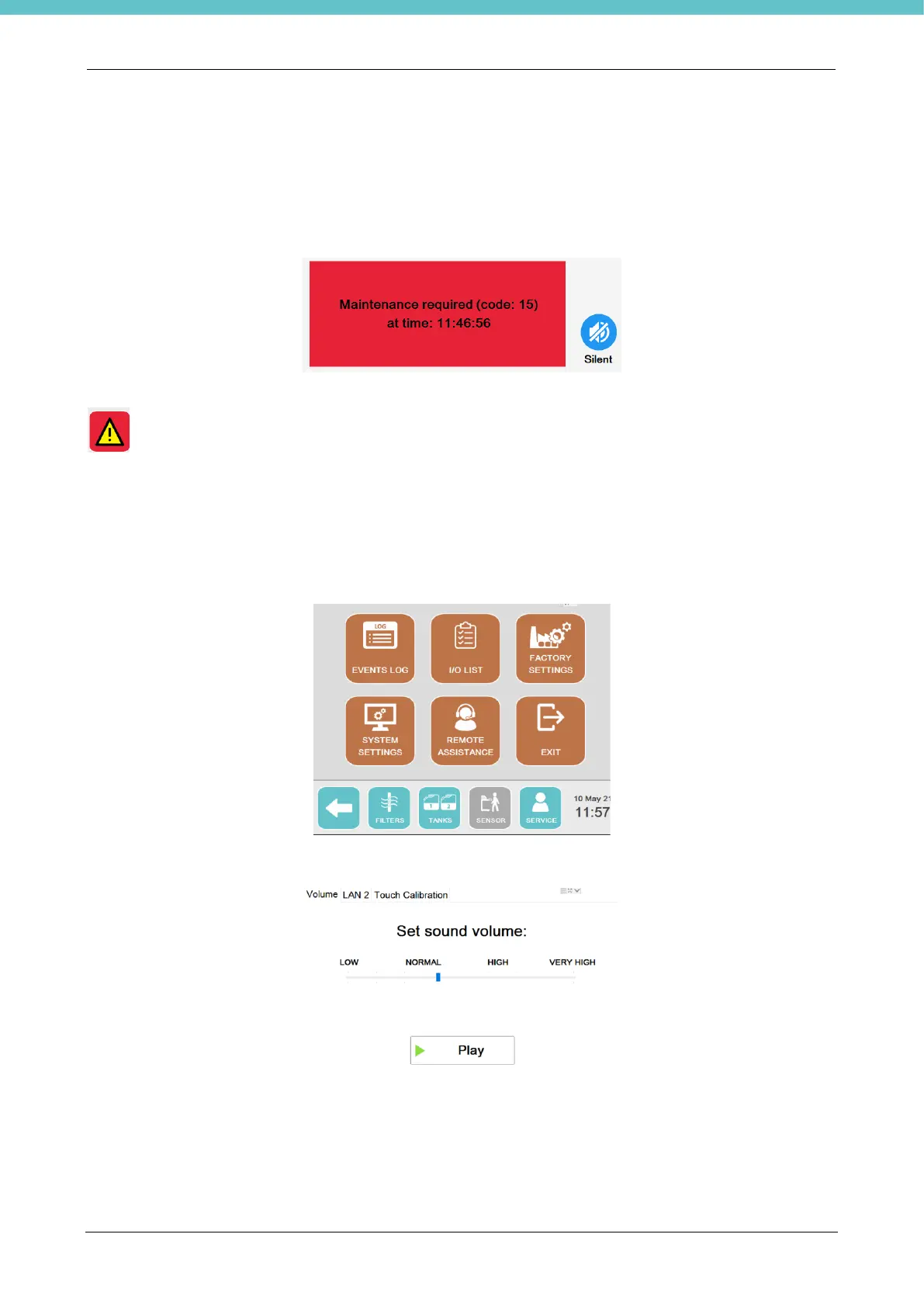
When expired, the following warning appears for the operator who must contact customer support.
Pressing “Silent” stops the beeper and the following warning button remains on the status bar for the operator
.
2.6.9. System settings
For system settings, go to the "Service" screen and select "System settings", where it is possible to set: the
values for connecting the instrument to the Internet, adjust the volume and calibrate the screen.
Select “Volume” to manage the volume of the speakers outside of the terminal, if present.
Select “LAN2” to enter the network connection data, as in the example below.



 To Next Page