63
2.5.12. Connection to the fixative loading system
For letters that refer to unit codes, see chapter 1.3.1.
Only for letter F.
In UltraGROSS, you may load new fixative into the containers in which the baskets are positioned with the
cassettes of the specimens just cut, in order to initiate the fixation process at room temperature.
Fixative loading is controlled by the supplied pedal, as explained below.
The connector can be either on the right or left of the unit (double letter F in code).
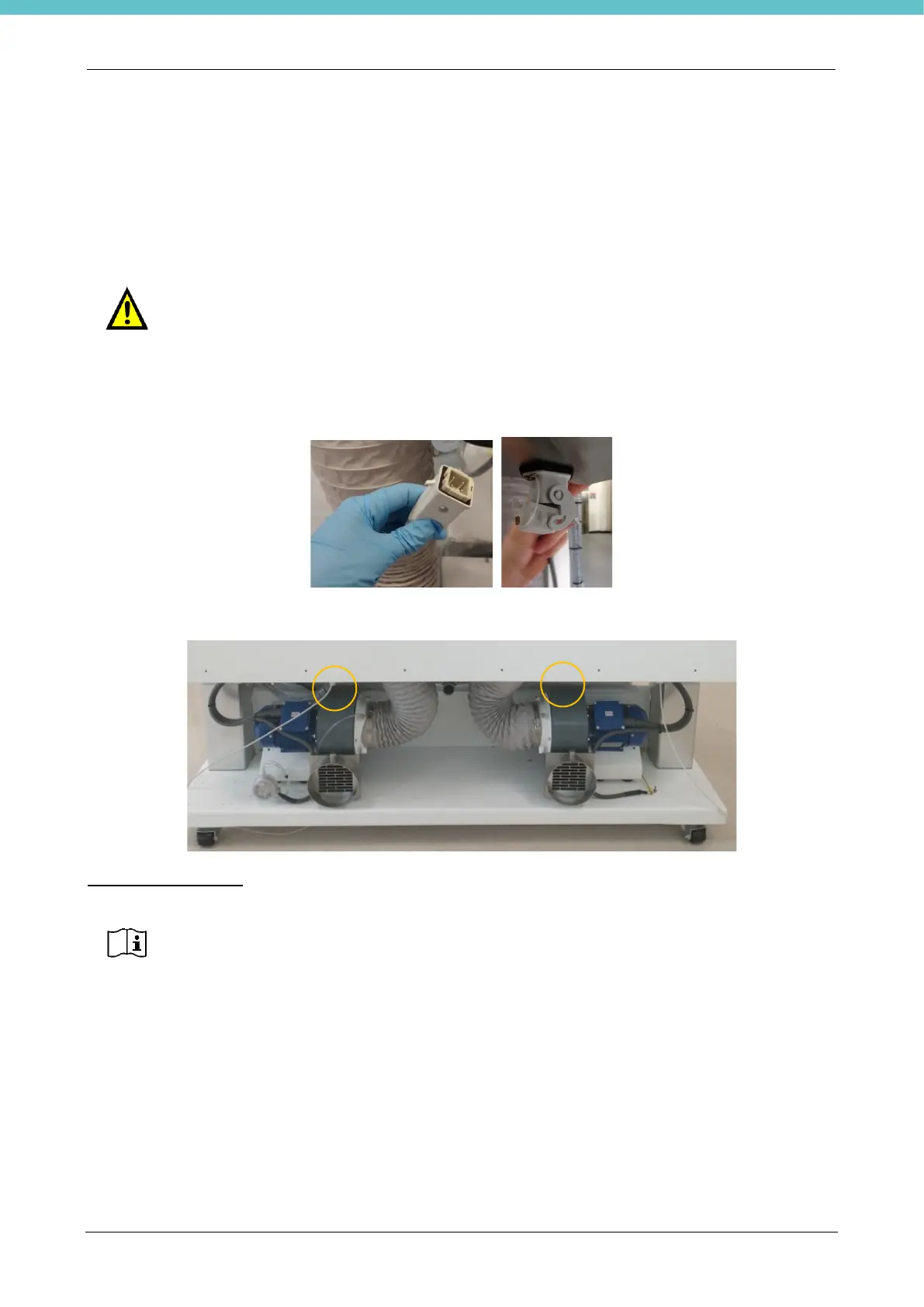
Take the connector on the "fixative loading" pedal (picture below left) and connect it to the connector shown
above after removing the cap (figure below right).
The connector is located at the bottom right and left as shown below.
NEW FIXATIVE TANK
The supplied cap has S55 type threading. If it is not correct for the type of tank used, buy an appropriate
adapter (not supplied by Milestone).
Insert the tank as shown in the figure.
Adjust the length of the tank's white dip tube based on the dimensions of the tank itself. The figure has a
connection example.



 To Next Page