82
2.6.5. General settings
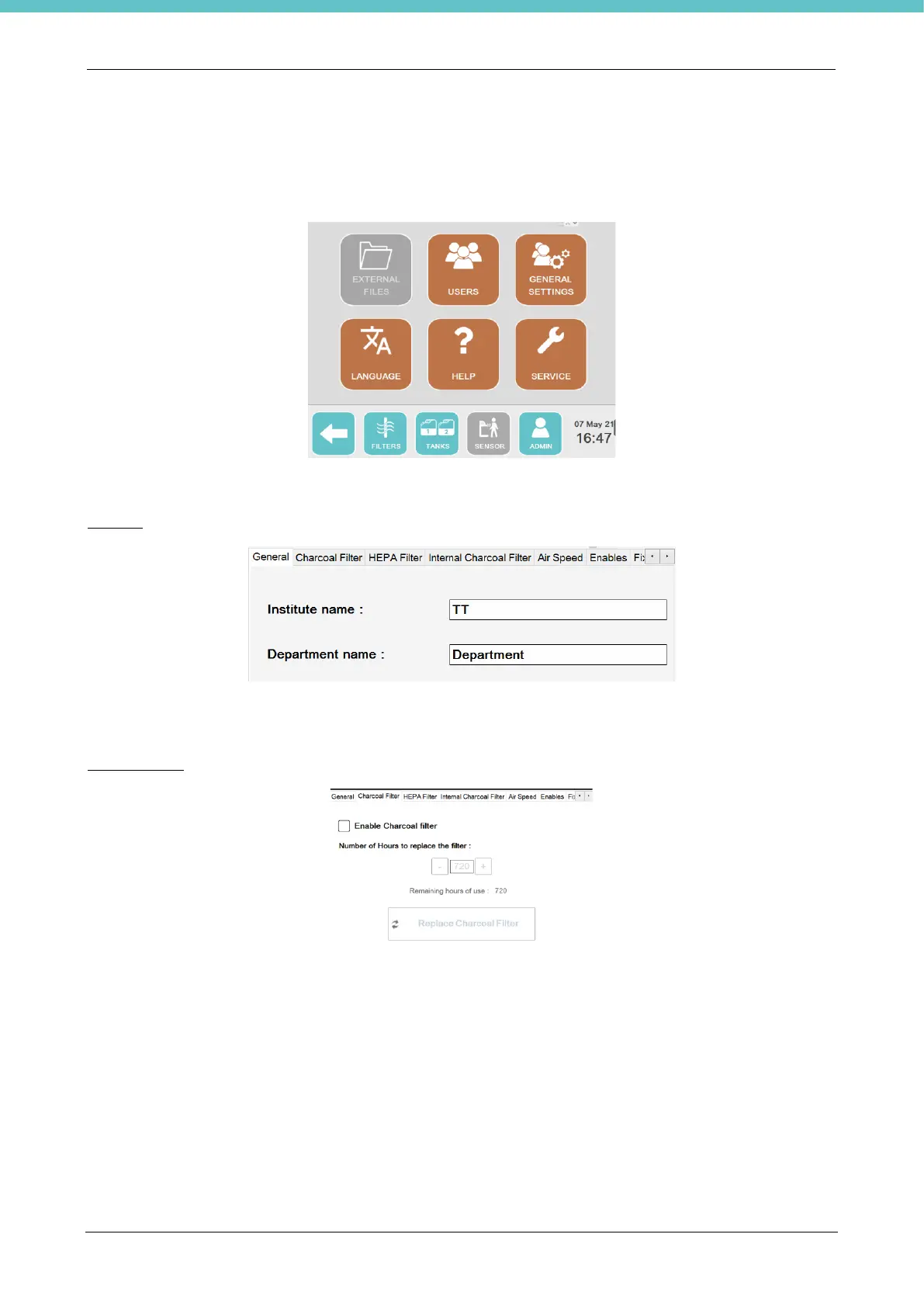
To have access, press “Settings” on the status bar of the main screen, and then “General settings”.
You may open several screens in this section from the tabs at the top of the page:
General
You may enter in the dedicated fields the name of the Institute and the name of the Department where the unit
is installed.
Charcoal filter
This allows you to enable management of the external Charcoal filter, when included with the unit. By default,
the dedicated checkbox is not ticked.
When enabled, the hours of use of the filter will be controlled. After 720 hours (default value) a warning will be
displayed to call customer support and to replace the filter (chapter 2.6.1).



 To Next Page