77
2.6.1. Alarms/Warnings for the operator
The following is a description of the alarms/warnings that can appear when working with UltraGROSS and the
relative instructions for the operator. Only enabled users can Reset the alarms as explained in chapter 2.6.4.
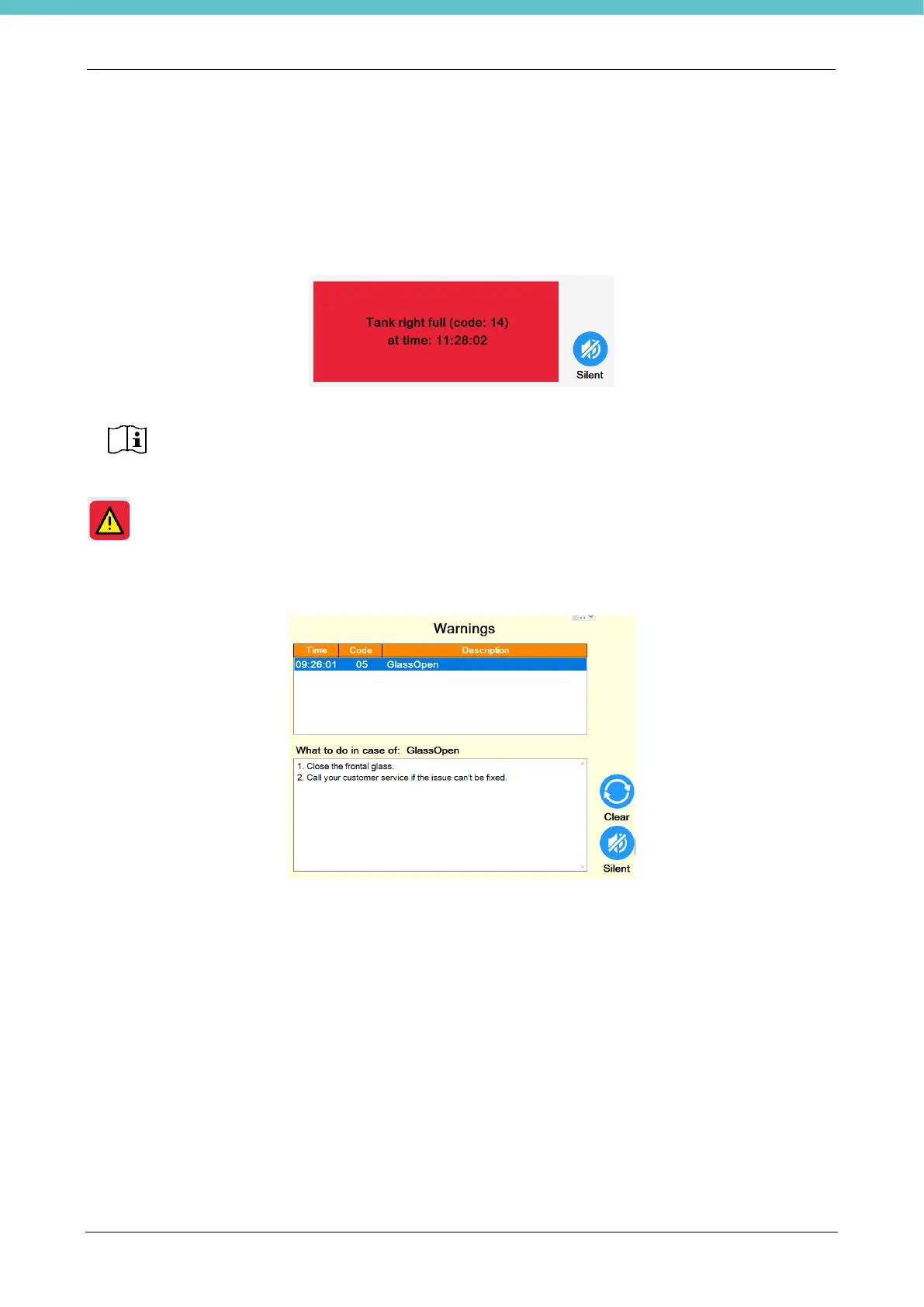
When an alarm is triggered, a red pop-up appears that shows the alarm name, relative number and time with
“Silent” button. The picture below shows an example:
Pressing “Silent” stops the beeper and the following warning button remains on the status bar for the operator
. Pressing this button opens a dedicated page with the description of the alarms and what the operator
needs to do to solve them. If the user is enabled, this page also has the “Clear” button to reset the
alarm/warning. The picture below shows an example.
Some are reset automatically when the cause is eliminated.
The following is a list of all the alarms/warnings that can be triggered followed by instructions on the previous
screen given to the user to try to solve them.
• Communication error fault – CODE 1
1. Press 'Clear' to reset the alarm.
2. Restart the system.
3. Contact customer support if the problem cannot be solved.
• Faulty left exhaust – CODE 2
(this appears for example when outside of the in Factory settings thresholds)
1. Press ‘Silent’.
2. Check the air speed thresholds in General settings.
3. Press + and – to set the correct air speed (only if there is a motor).
4. Press 'Clear' to cancel the alarm.
5. Contact customer support if the problem cannot be solved.



 To Next Page