70
2.6. Description of the unit’s software
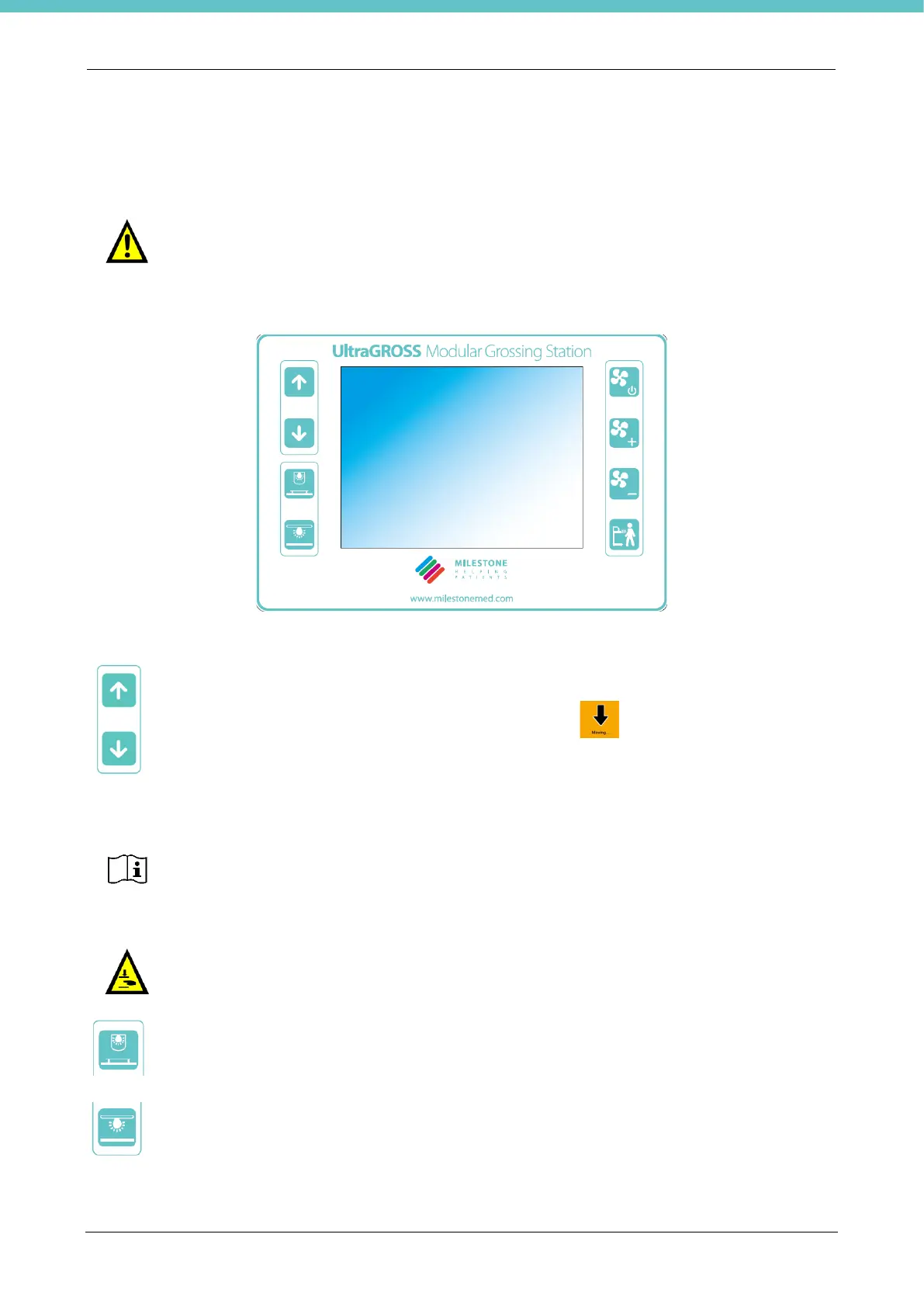
The following figure shows the membrane keyboard that allows you to control the main functions of the unit,
together with the software installed on the terminal placed in the middle, as explained below.
The membrane keyboard buttons are described below.
These buttons allow you to raise/lower the height of the work surface.
When the work surface is in movement, an up/down arrow on the terminal flashes with a
beeper; these indications may be removed if not required.
This button allows you to switch the camera light on/off. If there are several cameras, the button
switches them all on.
This button allows you to switch the light on the work surface on/off.
The system blocks for 3 seconds at 10cm from the lower stroke end position to then resume
at reduced speed (downward movement).
Press the up and down keys simultaneously to realign the columns. Keep the keys pressed
until the lower stroke end.
Pay attention to crushing during the up/down movement of the unit, especially in the zones
below the table. Make sure that no one can be struck.



 To Next Page