97
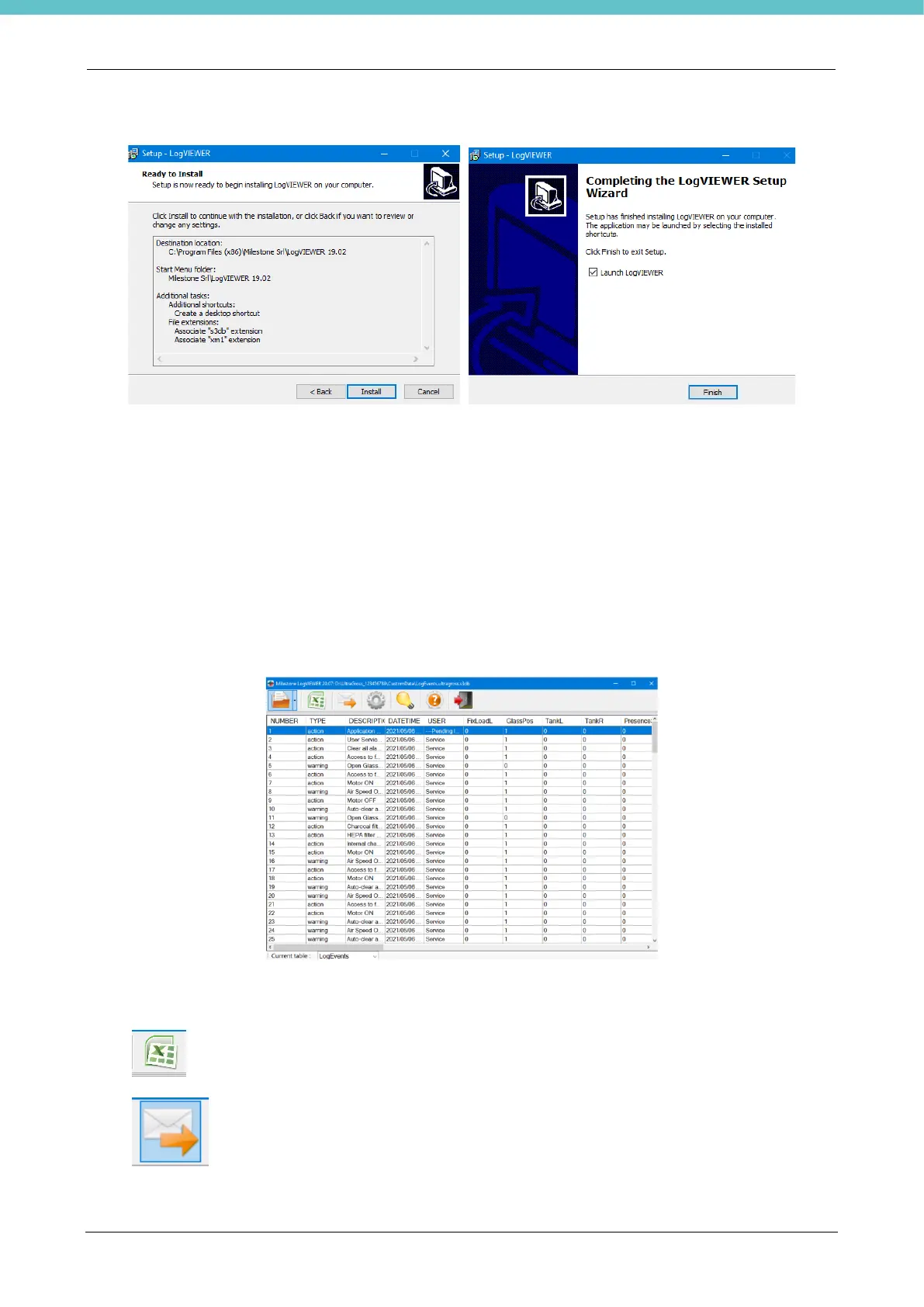
Finally press “Install” and “Finish” to complete the installation.
Microsoft.NET Framework 4.6 is a prerequisite for this application, and it will be installed if not present on the
PC.
Crystal Report Runtime is a prerequisite for this application and it will be installed during setup if not present
on your PC.
The LogVIEWER software is now ready for use.
Follow the instructions in the next chapters.
2.7.1. How to use LogVIEWER
Open the Events log File by following the instructions below.
The following page appears.
The LogVIEWER functions useful for the Events log are explained below. There are further settings to be used
with Milestone instruments other than UltraGROSS.
Press on the top bar to convert the file into Excel.
Press to send the file to customer support.



 To Next Page