98
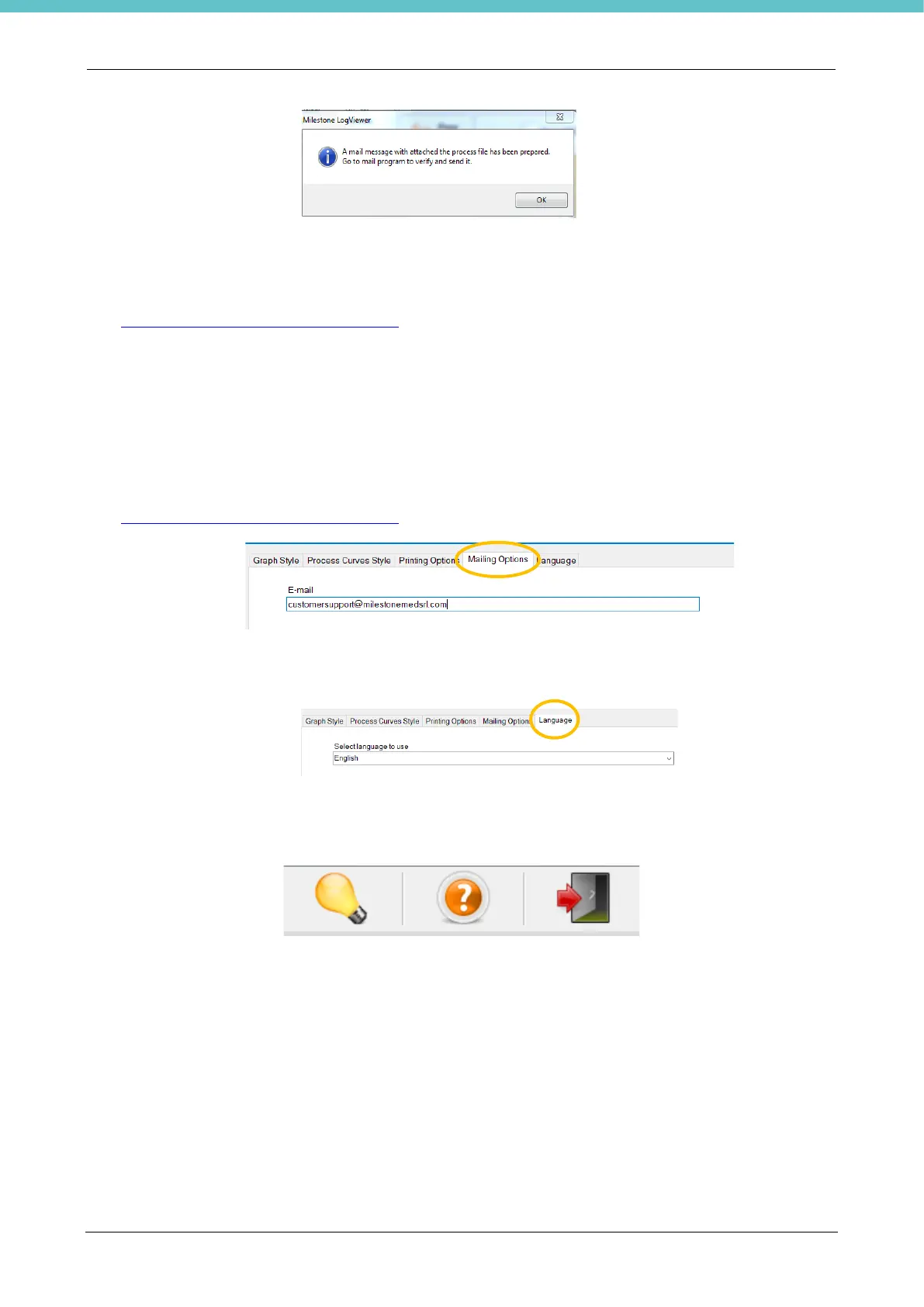
The following message opens:
Press OK and check your email, a preset message appears with the Events log attached and the following
information:
➢ EMAIL RECIPIENT: the email address that the messages are sent to is set by default
customersupport@milestonemedsrl.com; it can be changed in the Settings, as explained below.
➢ SUBJECT: Milestone UNIT NAME (Serial number)
➢ TEXT: To Customer Support…
The email can now be sent.
Select the “Settings” icon to change some settings.
The following windows can be opened in the top part of the page:
➢ “Mailing Options”: the email address that the messages are sent to is set by default
customersupport@milestonemedsrl.com; it can be changed in the box shown in the following picture.
➢ Language: the language can be chosen in the dropdown menu.
The software must be shut down and launched again to completely update the new language.
Other functions:
1. About Milestone LogVIEWER (software version)
2. View help (HOW TO use the program)
3. Exit Application



 To Next Page