MM182-001 – Operator Manual
96
2.7. Installing and using the LogVIEWER
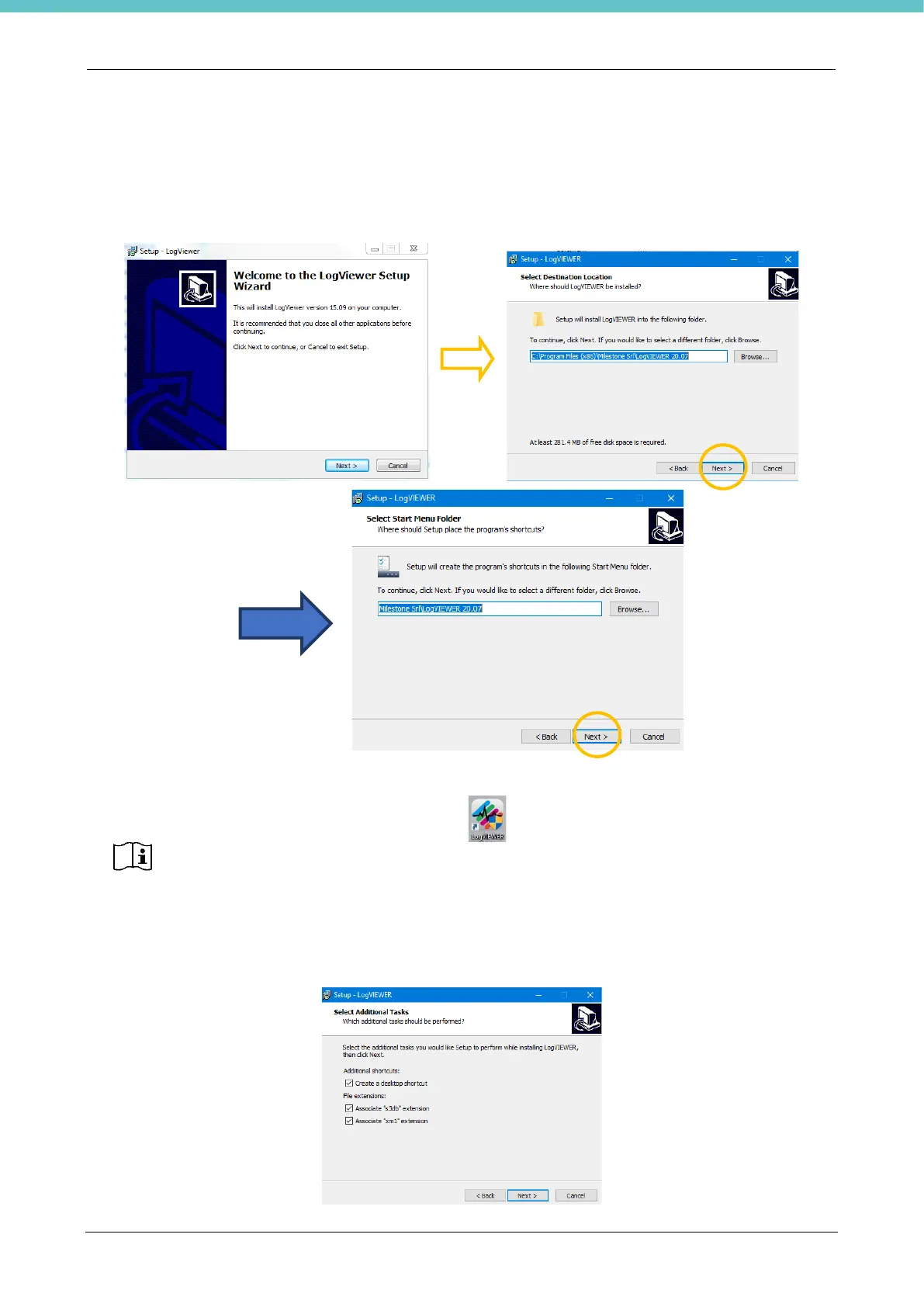
The USB key provided with the unit contains the LogVIEWER folder. Double click the “SetupLogViewer.exe”
icon to install the program.
Press “Next” in the following screens.
The “Create a desktop shortcut” checkbox is ticked by default so as to create a button
on the desktop to launch the program .
The “Associate s3db and xm1 extension” checkboxes are ticked by default, and it is
recommended not to change this setting. In this way, it is possible to open directly by
double clicking the events log (file s3db) without going through the LogVIEWER
program.



 To Next Page