79
• Maintenance required – CODE 15
1. Press ‘Silent’.
2. Call customer support for the required maintenance.
2.6.2. External files
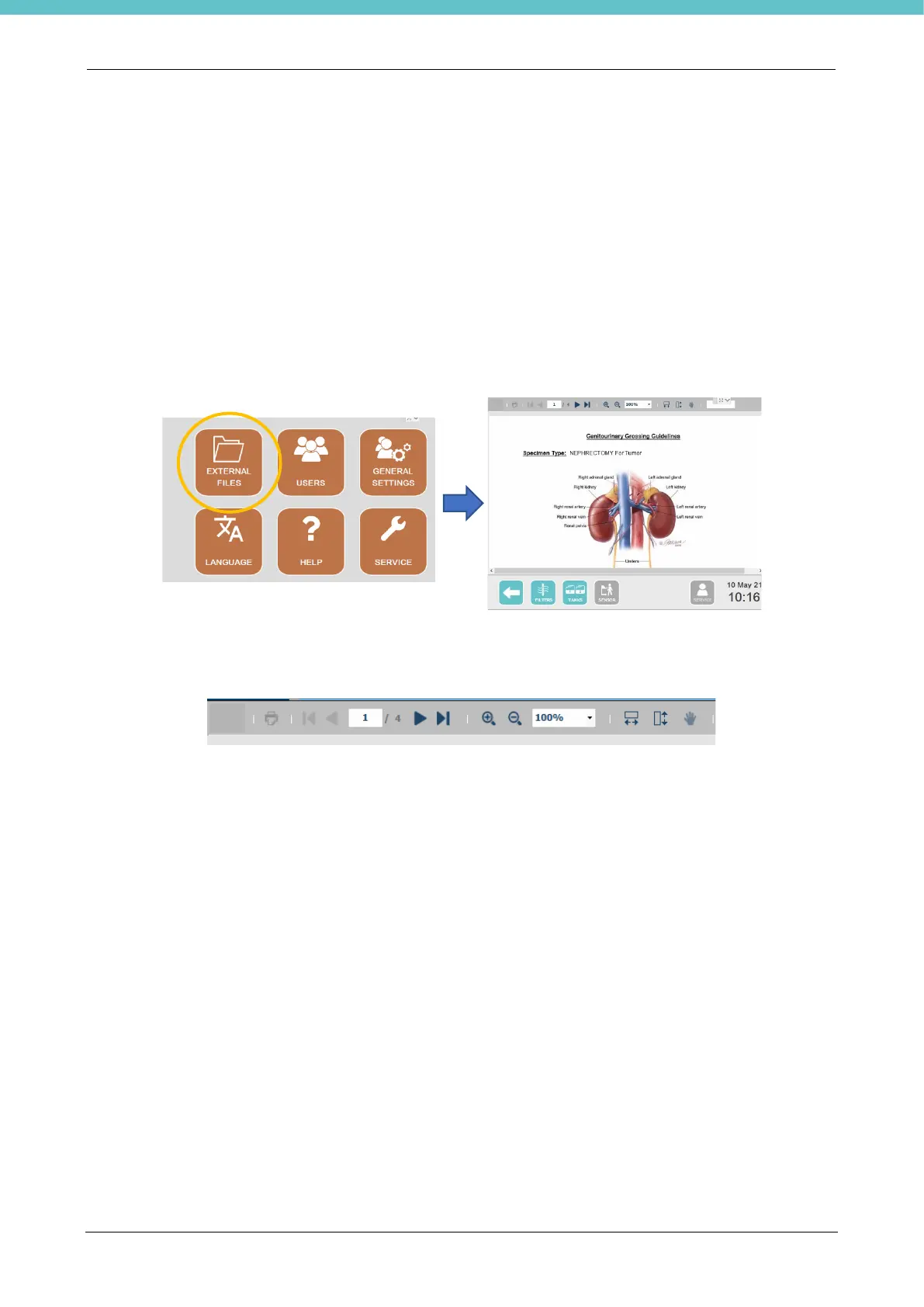
This function allows you to view PDF files with a maximum of 10 pages or videos (mp4, 12 fps) on the screen.
For example, during sampling, it will be possible to view the SOPs (standard operative procedures).
To have access, press “Settings” on the status bar of the main screen. Insert a pen drive containing the
required file in one of the USB ports of the terminal: the External files button will be enabled. Press it to access
the contents of the pen drive and open the desired file. An example is shown below.
At the top of the page, you may zoom in and out and use the “hand” to move within the document.



 To Next Page