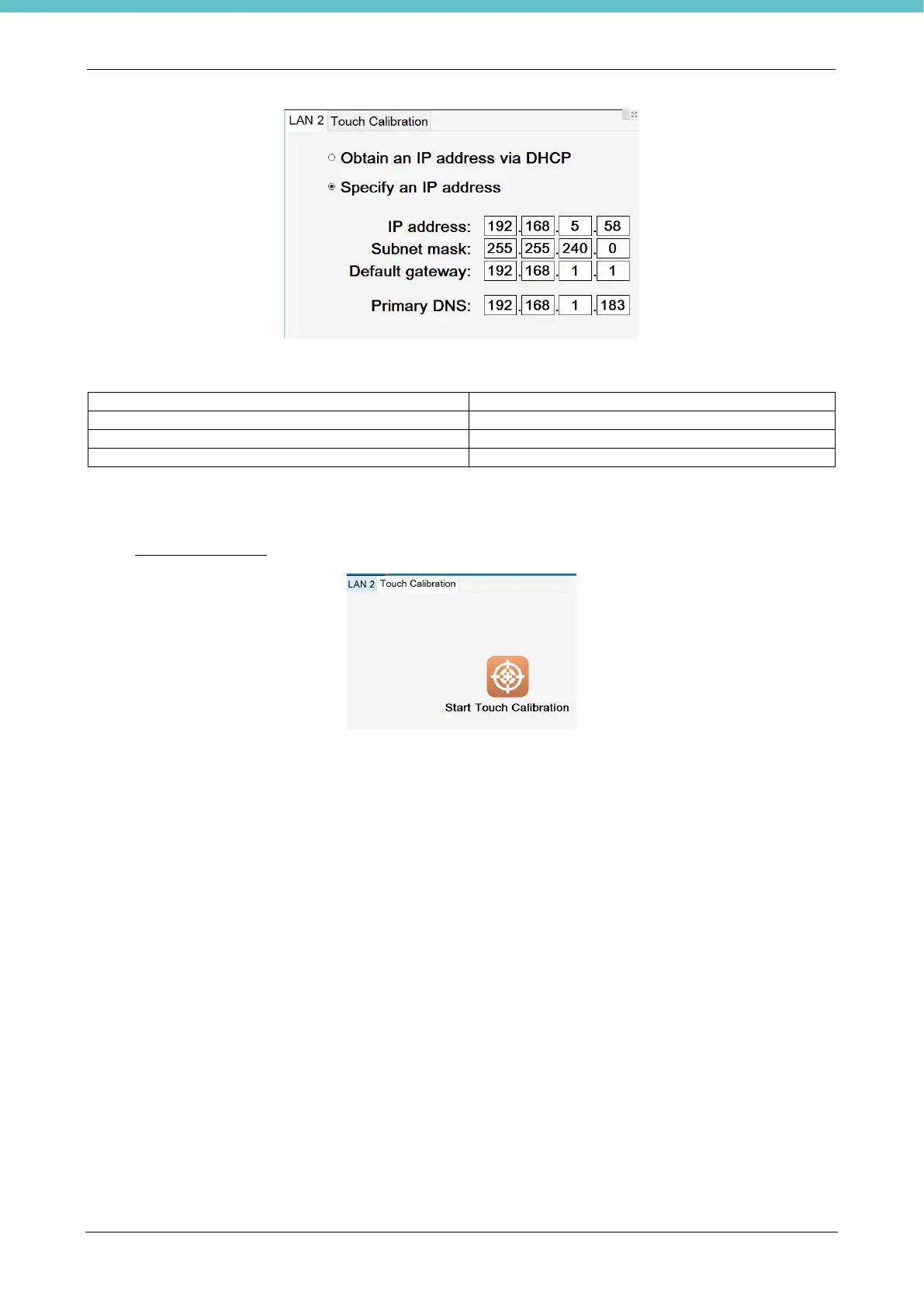
Each time you click on a white checkbox, a numpad appears; enter the number required and press “Enter”.
Fill all the white boxes with the network data.
Select “Touch Calibration” to open the procedure to recalibrate the screen.
Press the “Configure” button, then select standard or advanced calibration and follow the wizard.
If it is not possible to perform this procedure with the touch-screen, connect a mouse to the USB port of the
terminal.
Once completed, press the arrow on the status bar to save the data.



 To Next Page