89
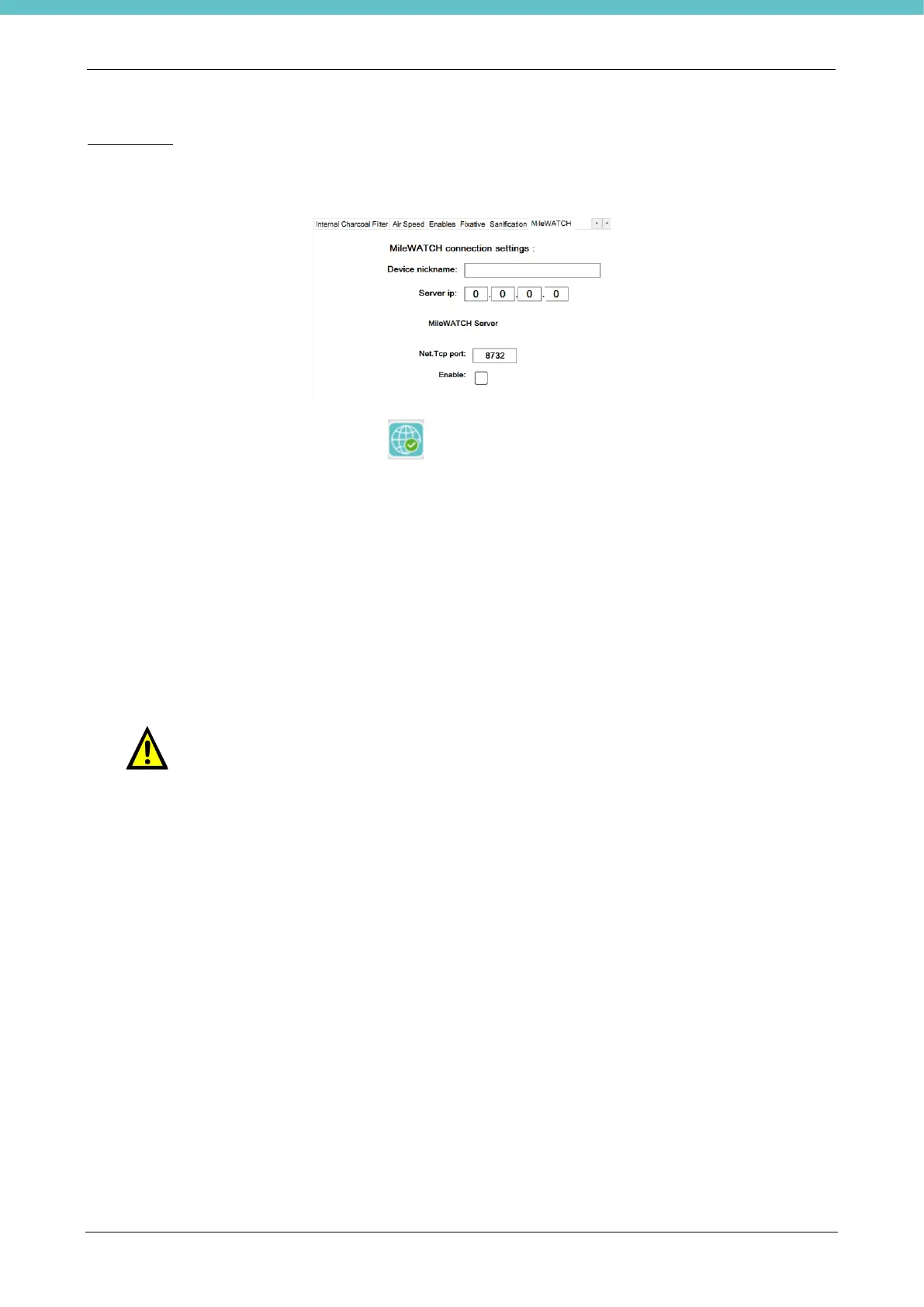
MileWATCH
Allows you to remotely manage the log files of the instrument.
To use MileWATCH, refer to chapter 2.6.9 for the settings of the unit’s IP address (network connection by
means of RJ45 connector at the back of the machine) and to the MM130 operator manual.
If enabled, the following button will appear on the top left of the home page showing the MileWATCH
connection status by its color.
Refer to chapter 5.51 for the optional Networking Web Managed Switch part, which Milestone recommends to
install before connecting the Milestone device to the network if the network does not conform to the rules set
forth in this chapter.
The Ethernet infrastructure to which the Milestone devices are connected must be
managed so as to prevent any network problem which might jeopardize the integrity
of the Milestone devices. Typical network problems to be avoided include: MAC
flooding, broadcast storm, bridge loop or switching loop, denial-of-service attack,
electrical discharges, etc. Milestone does not supply any protection against the
network events described above. Appropriate management of the data network must
be guaranteed to prevent these risks. Refer to chapter 5.51.
A typical solution to these issues is appropriately setting the network to manage MAC-
filtering, Shortest Path Bridging (SPB) protocol, Spanning Tree Protocol (STP),
Firewall, etc.
The MileWATCH system is not intended to be used directly on the Internet and does
not implement any specific protection against dangerous actions which might occur
via an Internet connection. Furthermore, it is assumed that the LAN to which the
MileWATCH system is connected has appropriate protection against harmful activities
that may be carried out via the internet, such as a firewall, antivirus or independent
network domains.
MileWATCH cannot operate correctly if a non-IFS Winsock interface is installed and
configured as the default Winsock interface instead of the standard Winsock interface
provided with Microsoft Windows operating systems.
Do not disable the Ethernet port when the MileWATCH software is active.



 To Next Page