3-CONTROLSANDINSTRUMENTS
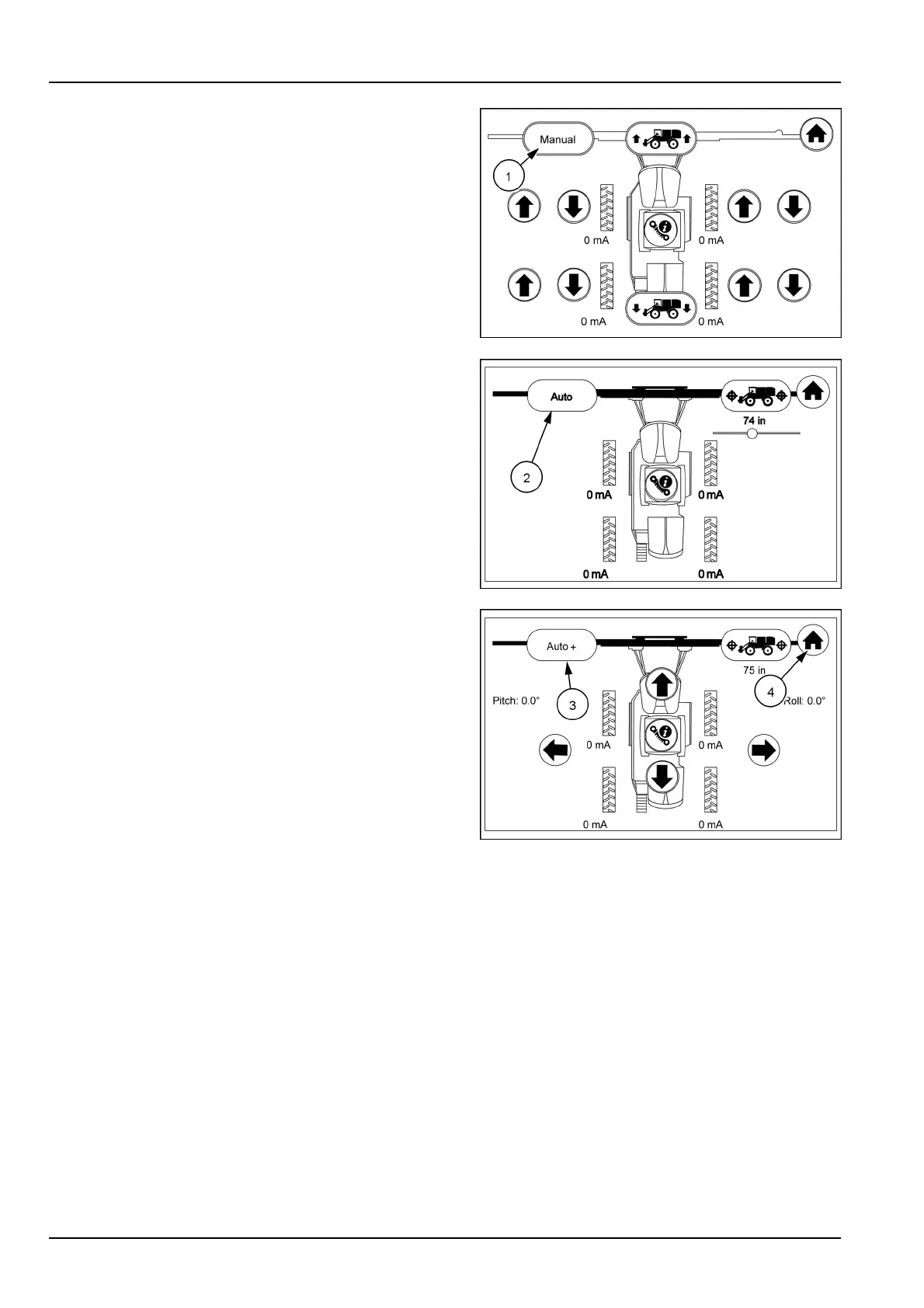
TouchtheManualicon(1)oncetosetthedisplaytothe
automode,touchtheautoicon(2)andthedisplaywill
changetotheAuto+mode.T ouchtheAuto+icon(3)
andthedisplaywillchangebacktothemanualmode.In
theautomodetheManualiconwillchangetoAuto,and
upanddowniconswilldisappear.
ToreturntotheManualscreentouchtheAutoicon,then
theAuto+icon.Touchthehomeicon(4)toreturntothe
armrestdisplaysecondhomepage.
RAIL17SP00172AA4
RAIL17SP00402AA5
RAIL17SP00403AA6
3-82



 To Next Page