6-WORKINGOPERATIONS
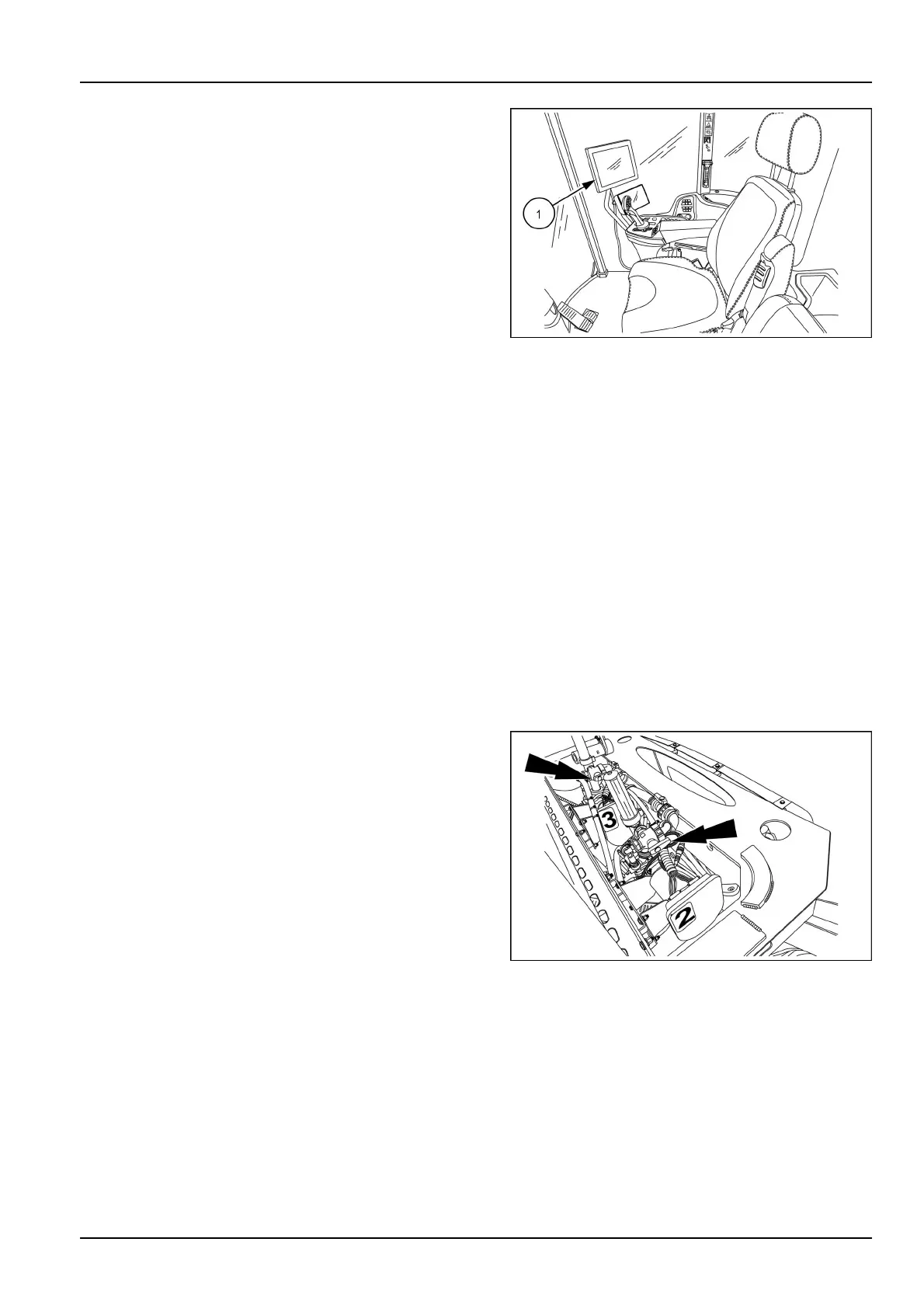
Onthespraymonitorscreen(1),touchtheVTICDMenu
icon.
RAIL17SP00310AA11
Selectthediagnosticsicon.
Selectthetesticon
Selectprimepumpfromthedrop-downlist.
Followtheon-screenpromptstocompetepumppriming.
Allowthepumptoprime.Theprimingprocedurewillrun
untilthecontrollerdetectsthepumpisprimed.Ifthepump
isunabletoprime,theconsolewillendtheprimingproce-
dureaftertwominutesanddisplayanerror.
NOTE:Iftheconsoledisplaysanerrormessageduring
theprimingprocess,verifythattheconditionslistedabove
exist.PresstheStopsoftkeyatanytimetostoptheprim-
ingprocedure.Ifthepumpfailstoprimeaftertherst
attempt,restarttheprimingprocedure.Ifthepumpisstill
unabletoprimesuccessfully,checkthesystemforleaks,
verifythevalvesareturnedon,andverifythehosesare
lledwithproduct.Itmaybenecessarytorecalibratethe
pressuretransducer.
Pumpcalibration
Priortostartingachemicalinjectionapplication,verifythe
pumpiscalibratedandoperational.
Primethepump.
Setthehandvalveontheinjectionpumpoutlettorecircu-
latetheproductbacktothesupplytank.
RAIL17SP00908AA12
6-23



 To Next Page