USING THE MILLI-Q
Milli-Q Synthesis/Synthesis A10 51
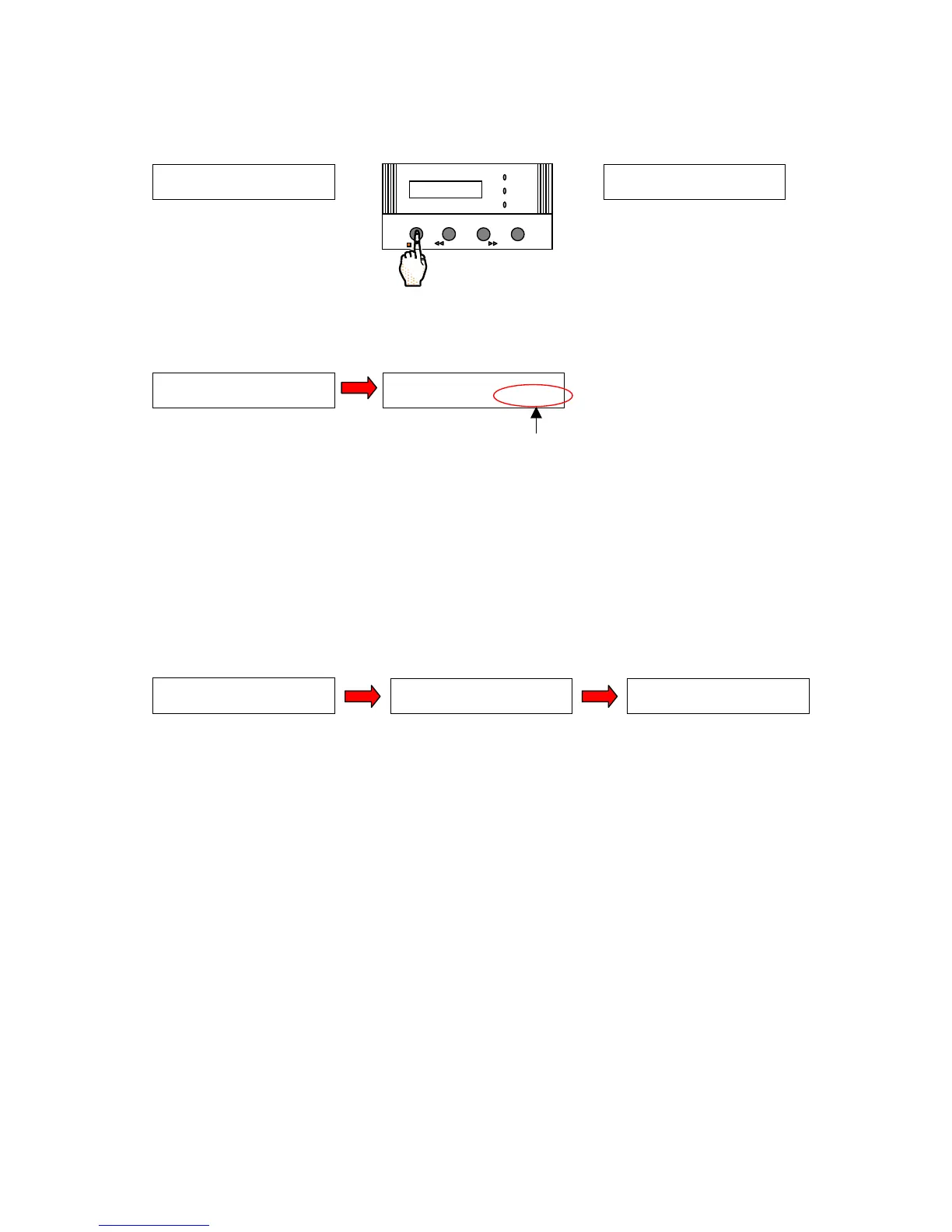
Press the OPERATE/STANDBY Keypad Button to ‘validate’ your volume selection. The Milli-Q will now go to
PRE OPERATE Mode.
Move the POU Dispenser Trigger forward. The Milli-Q will go from PRE OPERATE Mode to PRODUCT Mode.
The LCD will show (lower right corner) the amount of water being dispensed.
Allow the water to be dispensed.
You can cancel the dispensing of water by moving the POU Dispenser Trigger upright (back to
the PRE OPERATE position).
When the pre-set total volume of water has been dispensed from the Milli-Q, the system will automatically go to
STANDBY Mode. The LCD will prompt you to ‘CLOSE THE VALVE’.
Bring the POU Dispenser Trigger to the upright position.
The Milli-Q will now be in PRE OPERATE Mode.
If you want to automatically dispense the same volume of water again, then follow all of the steps
above. You will not need to change the selected volume. It will remain the same from the prior
selection.
P R E S E T V O L U M E
6 . 5 0 l
OPERATE / STANDBY
MEASURE
CLEANING MENU
POWER
SERVICE








 To Next Page