3 - 8 Operator’s Manual
3 System Preparation
If a probe port is not used for a long period of time, use the dustproof cover to protect the probe port
from dust. Failure to do so may result in bad contact.
3.7.1 Connecting a Probe
The probes, cables and connectors should be in proper operating order and
free from surface defects, cracks and peeling. Otherwise, this may lead to
electrical shock.
Perform the following procedure:
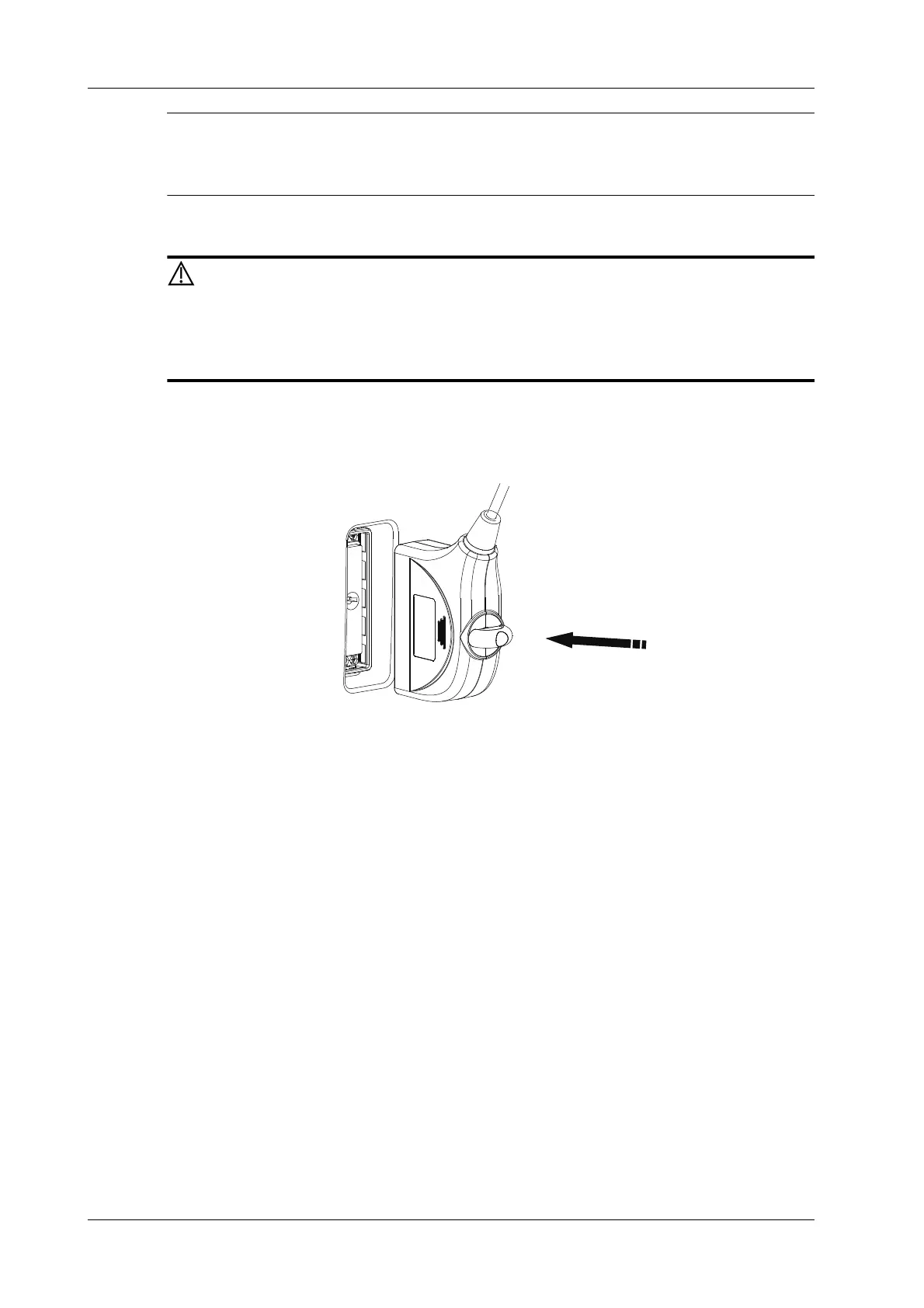
1. Check if the lock switch of the probe connector is on. If not, turn the lock switch to turn it on.
2. Keep the cable of the probe upward, insert the connector into the system port.
3. Turn the lock switch 90° clockwise to lock it securely.
4. Position the probe properly to avoid it being treaded on or becoming wrapped around other
devices. DO NOT allow the probe head to hang free.
3.7.2 Disconnecting a Probe
Perform the following procedure:
1. Turn the locking switch 90° counterclockwise to the vertical position.







 To Next Page