Physical Views General Product Description
1 - 14 0070- 0-0704-02 Passport V Operating Instructions
1.5.4 Right Side Panel
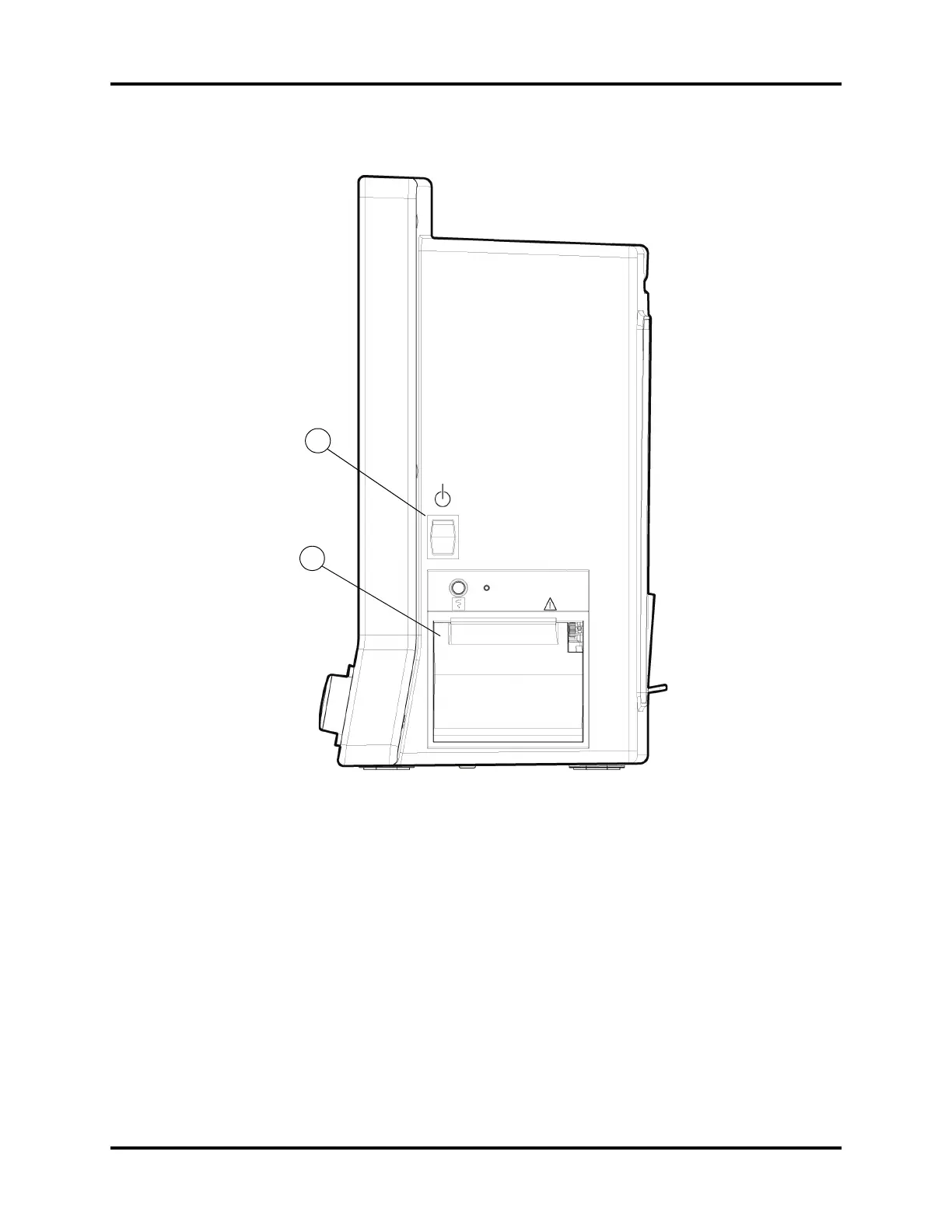
FIGURE 1-7 Right Side Panel
1. Power Switch
A momentary switch that turns power ON or OFF but does not prevent charging of the
batteries. Press the top of the switch once to turn the unit ON. Press the top of the switch
again to turn the unit OFF.
2. Local Printer (optional)
A thermal strip chart local printer with integral paper spool.
2
1
0


 To Next Page
 Loading...