11. Commissioning
MiR1000 User Guide (en) 12/2020 - v.1.4 ©Copyright 2019-2020: Mobile Industrial Robots A/S. 141
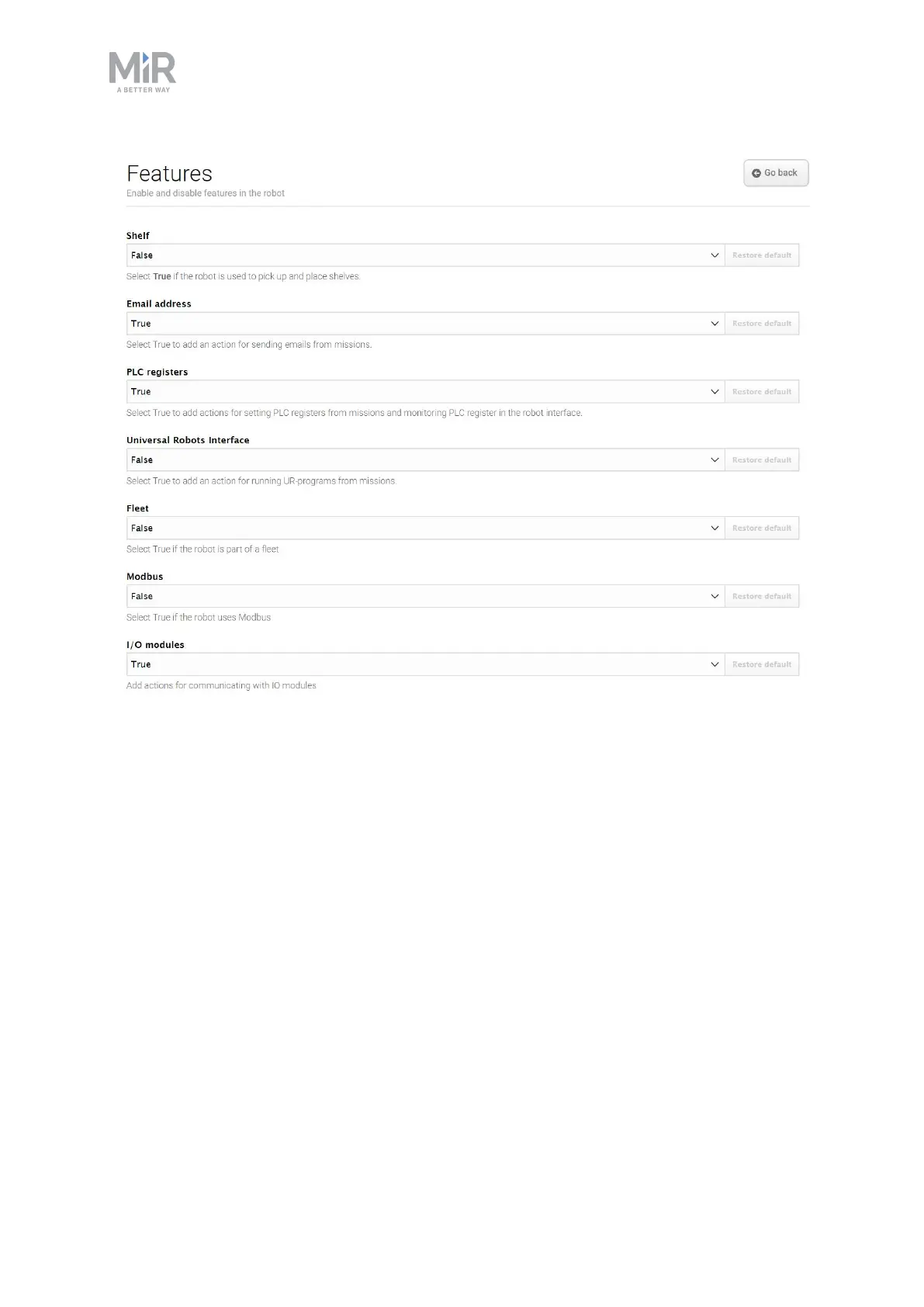
Figure 11.27. Disable and enable robot features in the Features section.
Shelf enables the shelf feature. Enable this feature if the robot is used to pick up and place
shelves. This modifies how some of the pins in the electrical interfaces are used.
Email address enables an action for sending emails from missions. You can configure the
email account that the robot sends the emails from under System>Settings > Email
Configuration.
PLC registers enables actions for setting PLC registers from missions and monitoring PLC
registers in the robot interface. When enabled, you can access the page
System>PLCregisters to set up the registers.
Universal Robots Interface enables an action for running Universal Robots programs from
missions. Enable this feature if the robot drives with an application from Universal Robots.
Fleet makes the robot visible for MiR Fleet. Enable this feature if the robot is part of a fleet.



 To Next Page