18. Interface specifications
MiR1000 User Guide (en) 12/2020 - v.1.4 ©Copyright 2019-2020: Mobile Industrial Robots A/S. 200
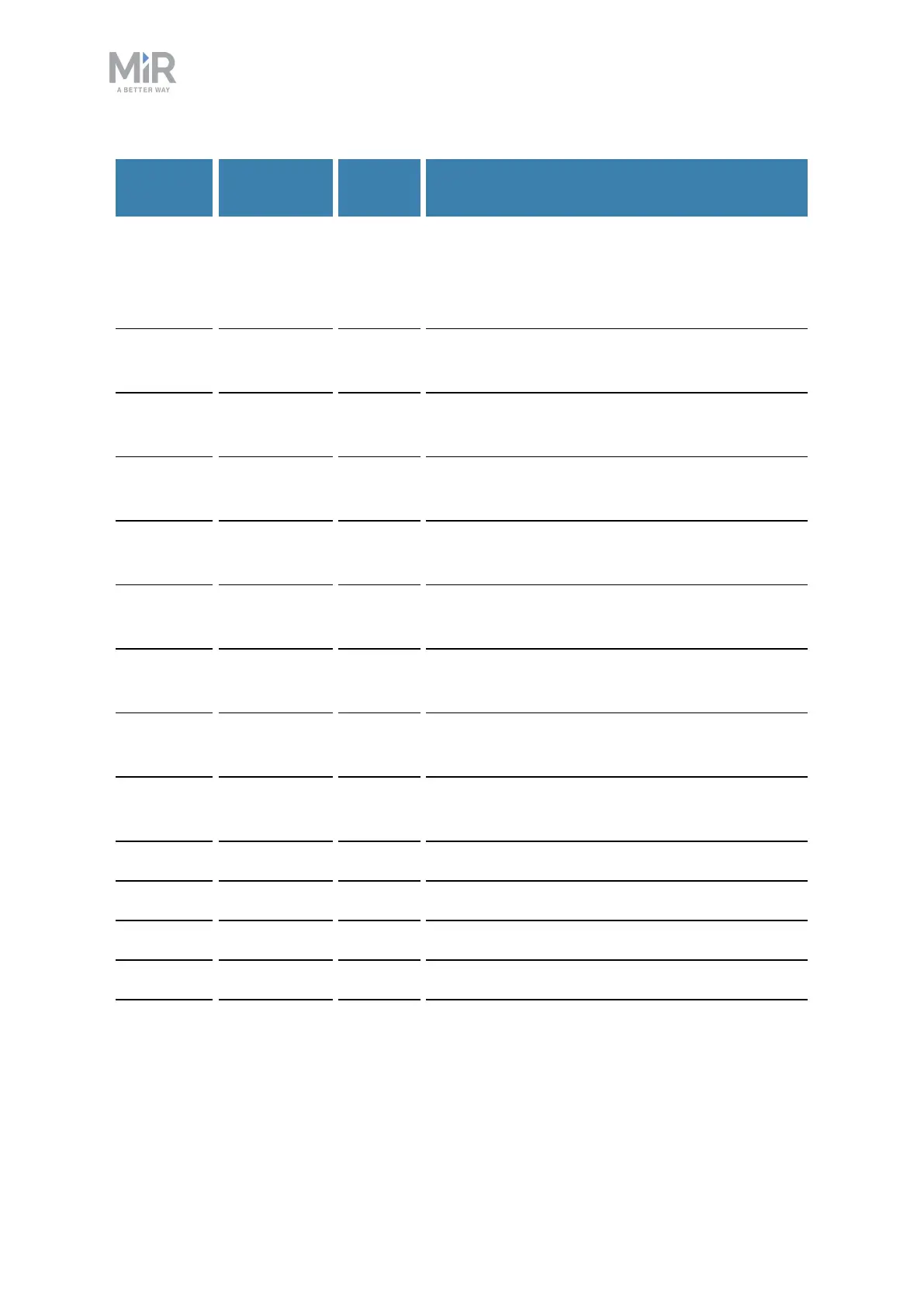
Pin
number
Signal
name
Type Description
4 Safeguarded
stop 2
Input When inactive, the robot enters Protective stop.
If pins are unequally set for a period greater
than three seconds, the robot must be
restarted.
5 Locomotion
1
Output Active when the robot is standing still.
6 Locomotion
2
Output Active when the robot is standing still.
7 Shared E-
stop out 1
Output Inactive when the robot is in Emergency stop.
8 Shared E-
stop out 2
Output Inactive when the robot is in Emergency stop.
9 Shared E-
stop in 1
Input When inactive, the robot enters Emergency
stop.
10 Shared E-
stop in 2
Input When inactive, the robot enters Emergency
stop.
11 Reduced
speed 1
Input When inactive, the robot cannot drive faster
than 0.3 m/s.
12 Reduced
speed 2
Input When inactive, the robot cannot drive faster
than 0.3 m/s.
13 Unassigned Unassigned.
14 Unassigned Unassigned.
15 Safe RTN Ground Safe return.
16 Unassigned Unassigned.
17 Unassigned Unassigned.



 To Next Page