13. Maintenance
MiR250 Dynamic Integrator Manual (en) 09/2023 - v.2.1 ©Copyright 2020–2023: Mobile Industrial Robots A/S. 131
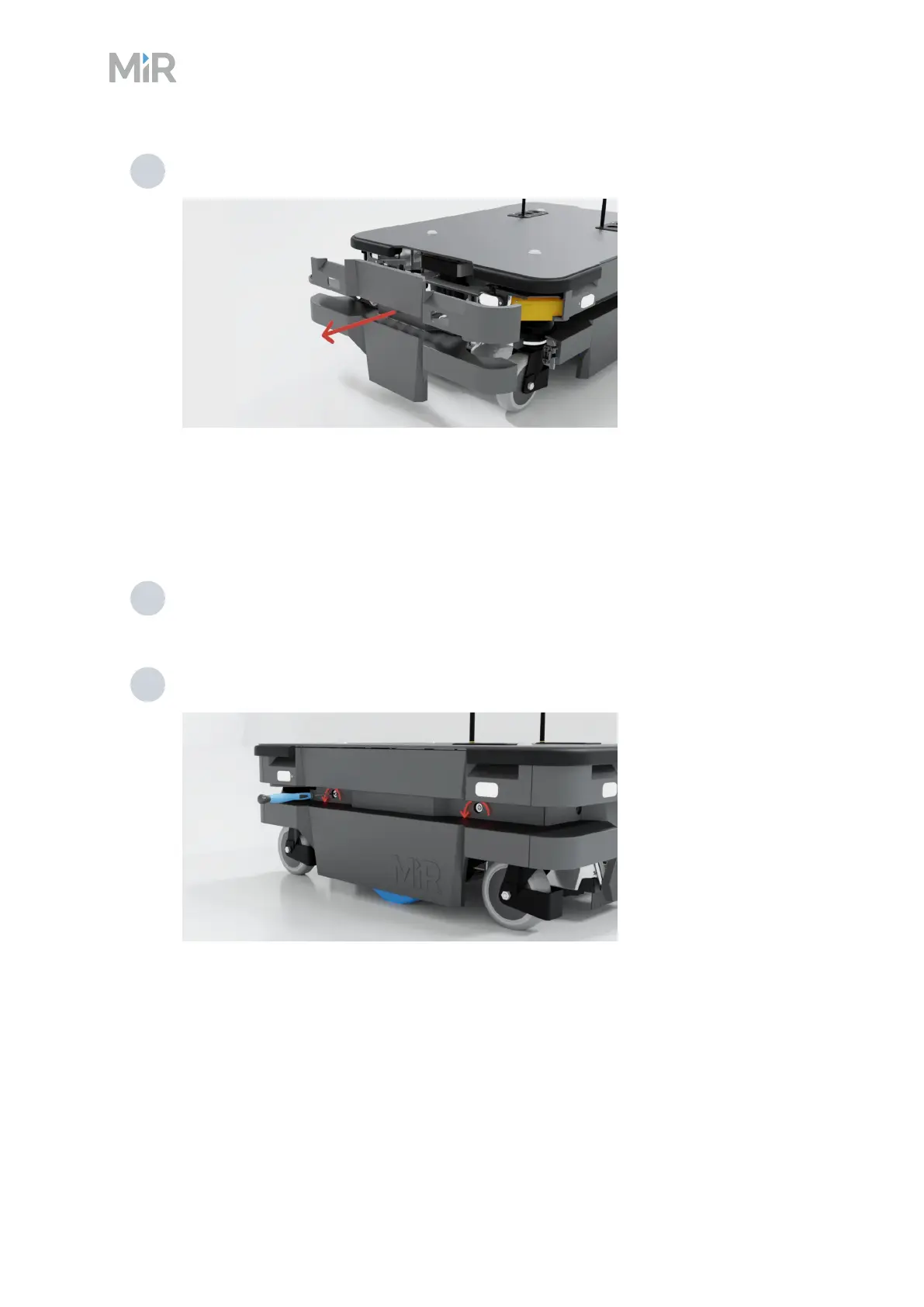
4 Pull off the cover.
Side compartments
To open a side compartment, follow these steps:
1 Remove the front cover and rear cover—see "Front compartment" on page127 and
"Rear compartment" on page129.
2 Turn the two screws counterclockwise. Use a T30 bit.



 To Next Page