4. Unboxing
MiR250 Dynamic Integrator Manual (en) 09/2023 - v.2.1 ©Copyright 2020–2023: Mobile Industrial Robots A/S. 39
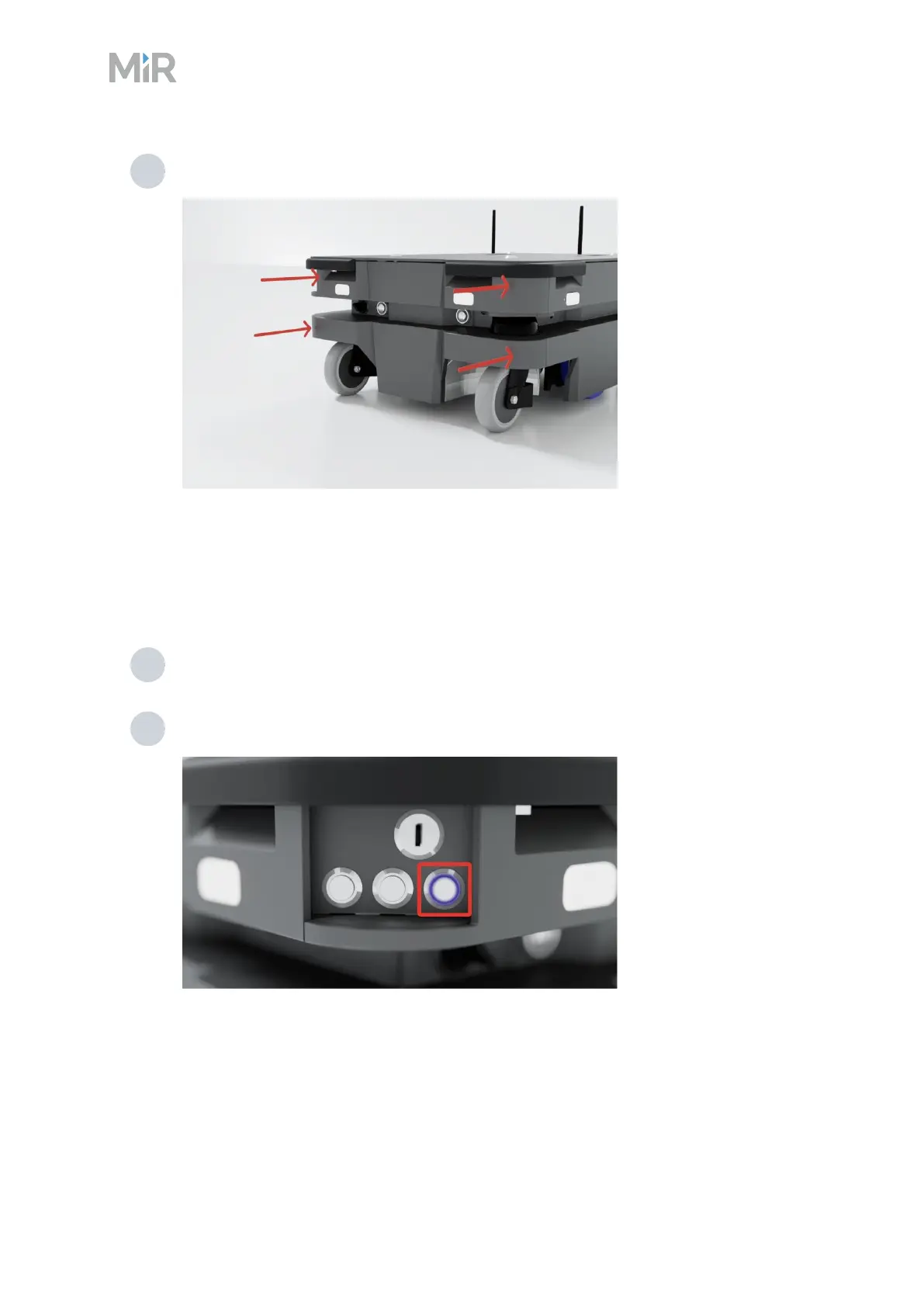
3 Click the cover in place one corner at the time.
4.4 Powering up the robot
To power up the robot, follow these steps:
1 Make sure the battery is connected—see "Connecting the battery" on page36.
2 Press the Power button for three seconds to turn on the robot.
The status lights waver orange, and the robot starts the software initialization process.



 To Next Page