4. Unboxing
MiR250 Dynamic Integrator Manual (en) 09/2023 - v.2.1 ©Copyright 2020–2023: Mobile Industrial Robots A/S. 44
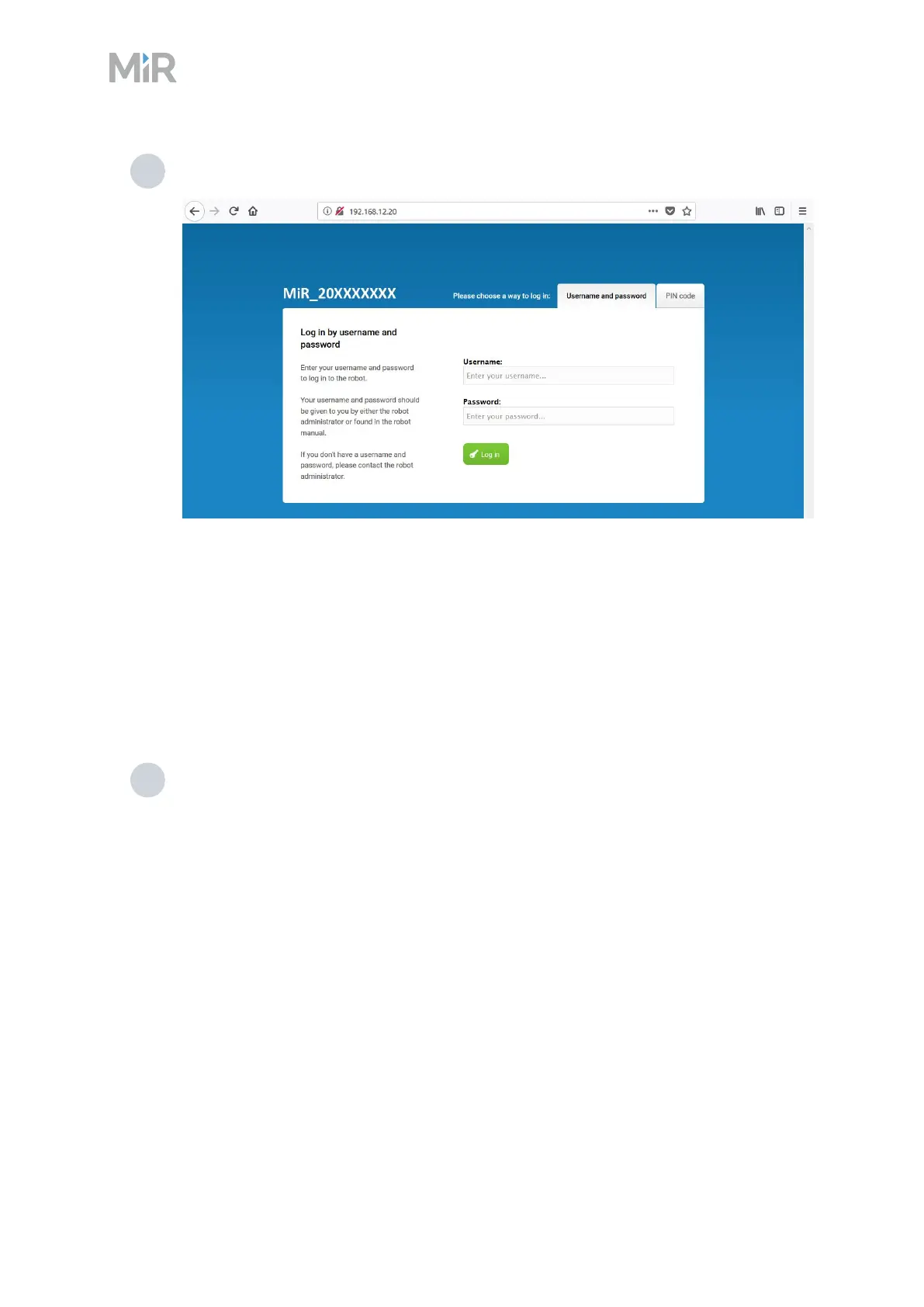
5 In a browser, go to the address 192.168.12.20 and sign in.
4.7 Connecting the robot to a Wi-Fi network
To communicate with the robot wirelessly without using an access point, connect the robot to
your localWi-Fi network. This enables you to access the robot interface via your Wi-Fi network by
entering the assigned IPaddress of your robot in a web browser.
To connect the robot to a Wi-Fi network, follow these steps:
1 Connect to your robot as described in "Connecting to the robot interface" on page42.
To comply with the robot's certification, you must use an Ethernet cable to avoid
simultaneously active radio transmitters while setting up the connection to the local
Wi-Fi network.



 To Next Page